Flower of life
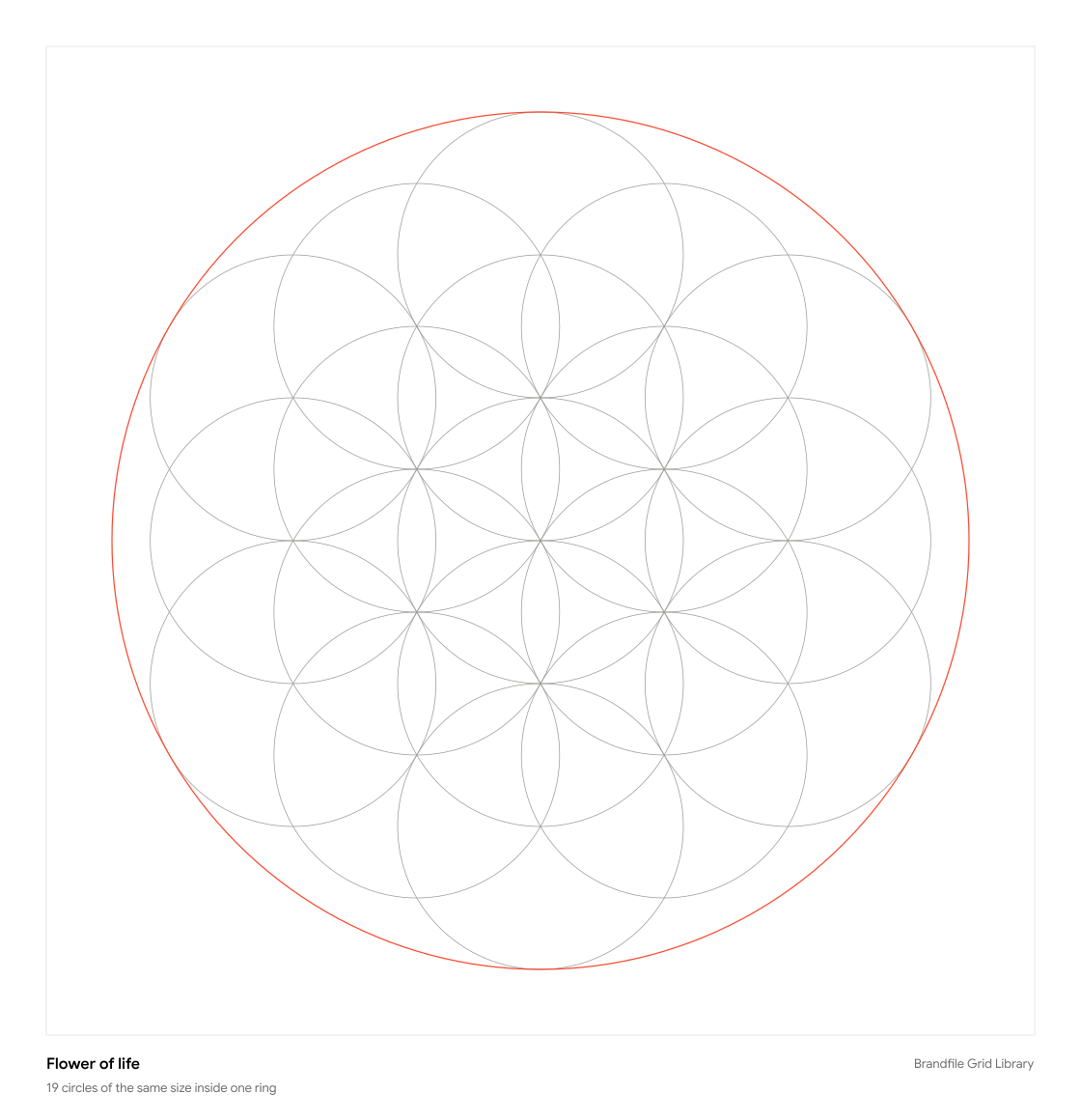
The flower of life carries the seed of life outwards: 19 equal circles on a hexagonal pattern, held in one ring. Petals form wherever the circles overlap.
Free for personal and client work. Opens in Illustrator, Affinity, Figma and Inkscape.
What it's for
- Detailed round emblems and seals
- Brand patterns with a crafted feel
- Finding six-way petal shapes
How to draw it
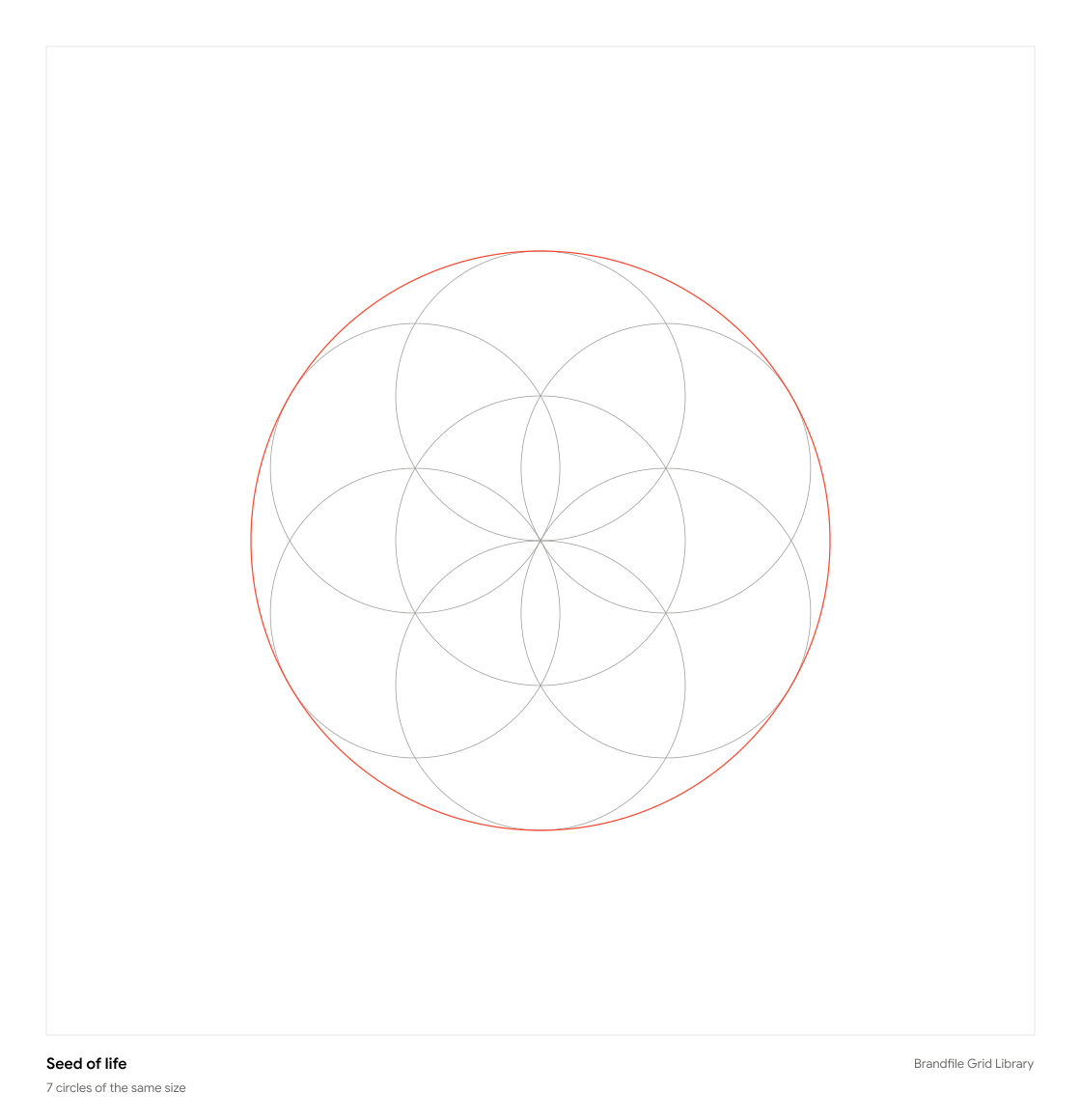
- Start with the seed of life.
- Add a circle centred on each new crossing point round the outside.
- Stop at 19 circles.
- Draw an outer ring three radii from the middle.
- Pick out the petals and arcs you want, and hide the rest.
When not to use it
The full flower is too busy at small sizes. A logo should use a simple part of it.
What's in the file
One SVG, 1120 by 1160, with four named layers, so you can lock the grid and draw above it:
- Frame: the edge of the grid.
- Construction: the grid lines, in warm grey.
- Accents: the lines and points that matter most, in coral.
- Labels: the name and a short note, as outlines. Hide it while you draw.
Get all 54 grids
The whole Grid Library in one ZIP: every grid in 8 numbered folders, with a README that names each one. We email it to you, free.
Do it on your own logo
Brandfile's Grids step reads your finished logo and draws the circles it is really built from, so the construction you show the client is true. See Grids.