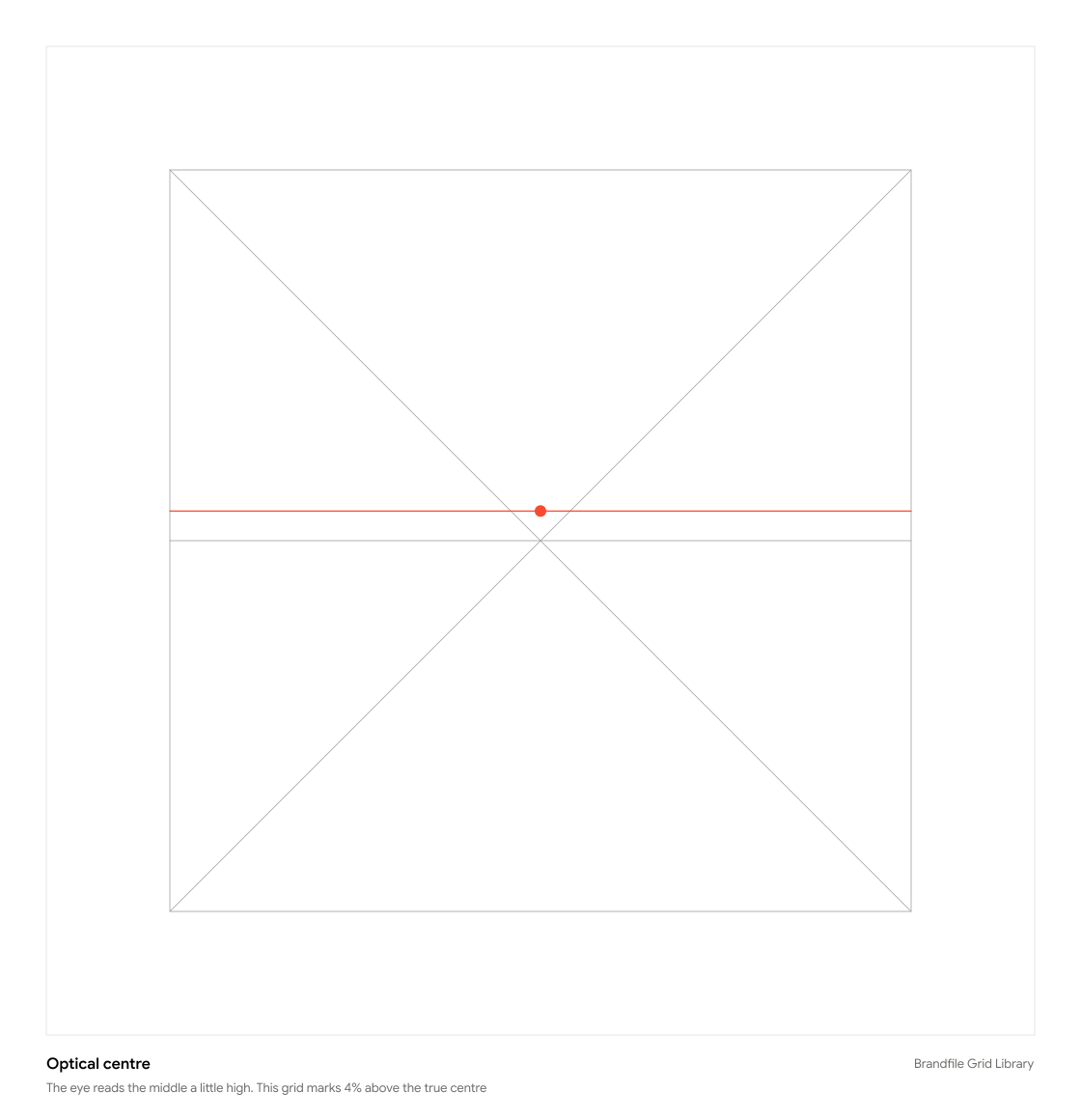
Optical centre
The optical centre sits a little above the true middle. A shape placed exactly in the middle of a frame looks low, so designers lift it, often by 3 to 5% of the height.
Free for personal and client work. Opens in Illustrator, Affinity, Figma and Inkscape.
What it's for
- Placing a mark in an app tile or a badge
- Centring a logo on a page, card or slide
- Balancing posters top to bottom
How to draw it
- Draw the frame and its diagonals to find the true centre.
- Measure the frame's height.
- Draw a line about 4% of the height above the centre.
- Centre the mark on that line instead.
- Compare both by eye and keep the one that looks centred.
When not to use it
Shapes that are heavy at the top need less lift. Always judge by eye.
What's in the file
One SVG, 1120 by 1160, with four named layers, so you can lock the grid and draw above it:
- Frame: the edge of the grid.
- Construction: the grid lines, in warm grey.
- Accents: the lines and points that matter most, in coral.
- Labels: the name and a short note, as outlines. Hide it while you draw.
Get all 54 grids
The whole Grid Library in one ZIP: every grid in 8 numbered folders, with a README that names each one. We email it to you, free.
Do it on your own logo
Brandfile's Grids step checks your lockup against the mark: the gap, the wordmark's size, and where it sits against cap height and x-height. See Grids.
More from Icons and type
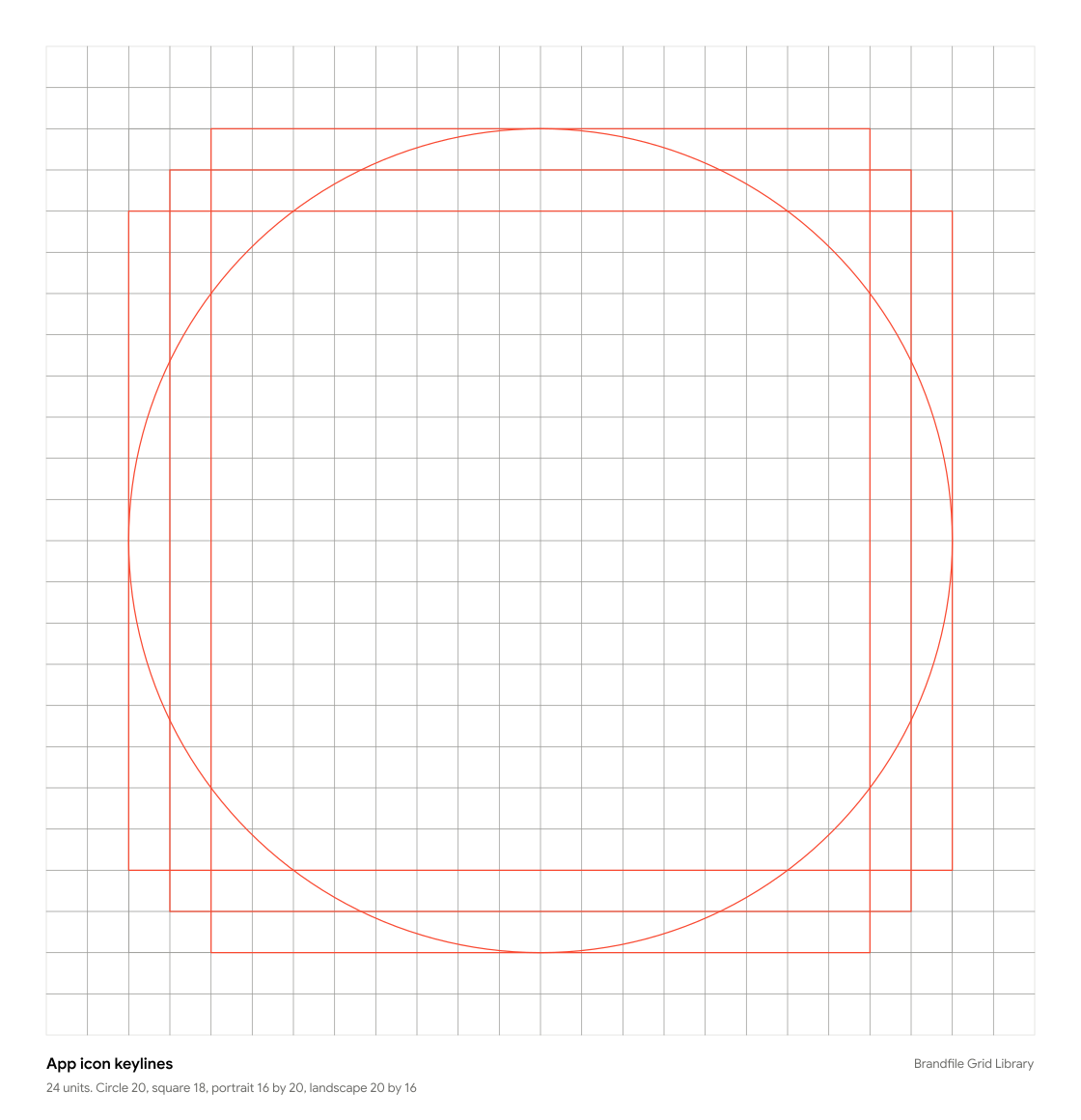
App icon keylines
Keyline shapes on a 24 unit grid, so circles, squares and tall or wide icons look the same size.
Open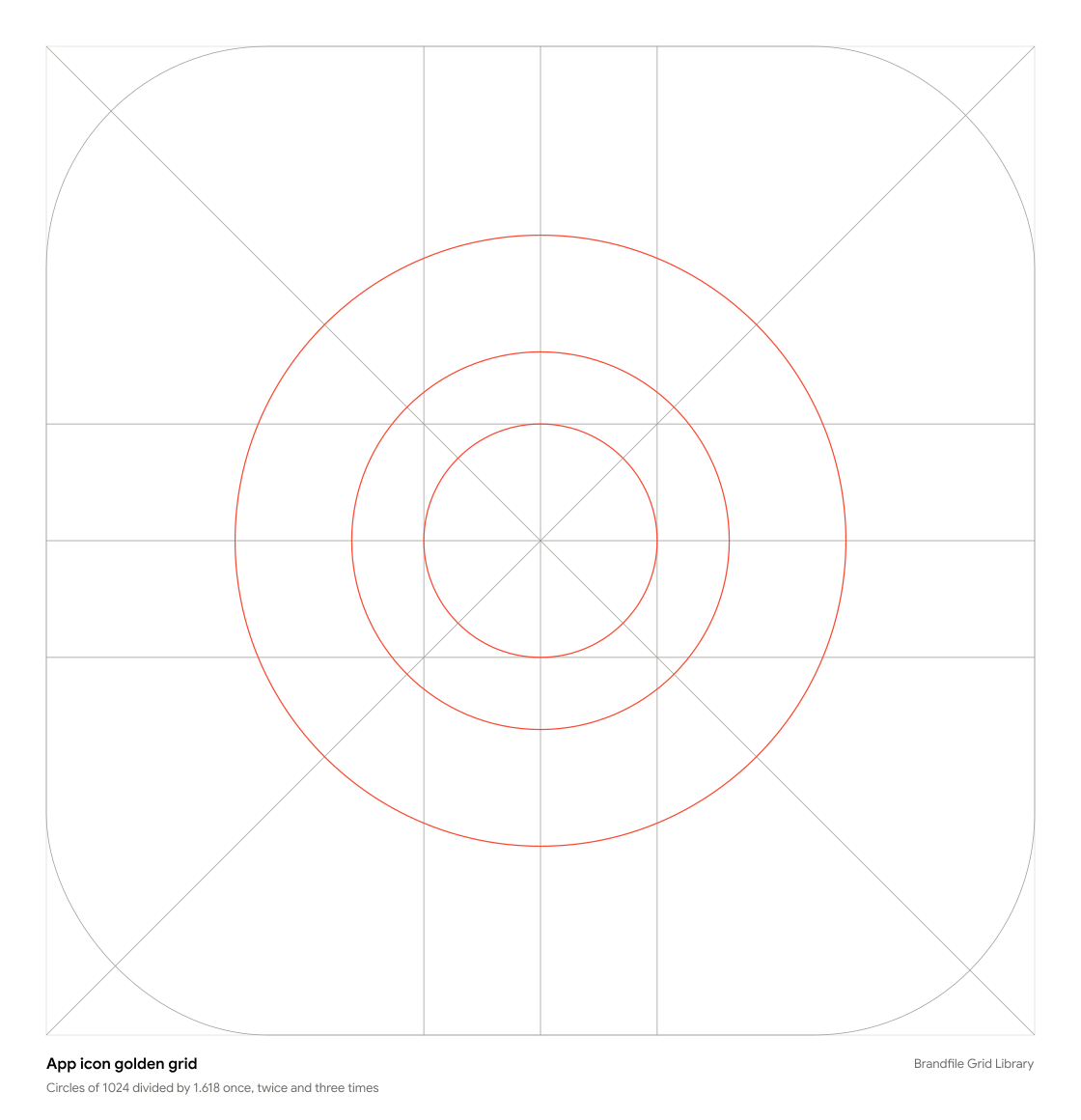
App icon golden grid
A rounded app tile with golden circles and lines, in the style of phone icon grids.
Open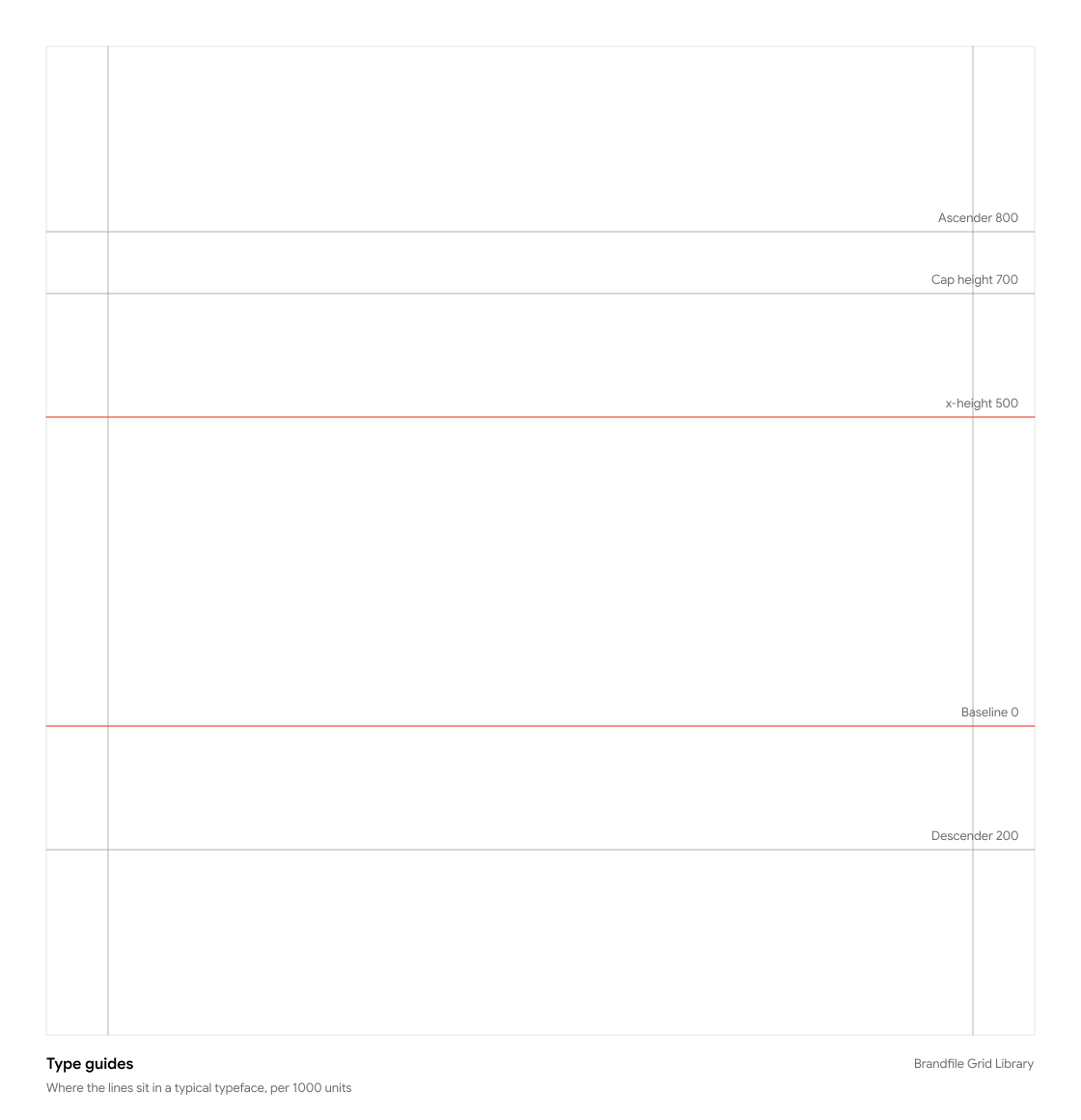
Type guides
Baseline, x-height, cap height, ascender and descender, for drawing wordmarks.
Open