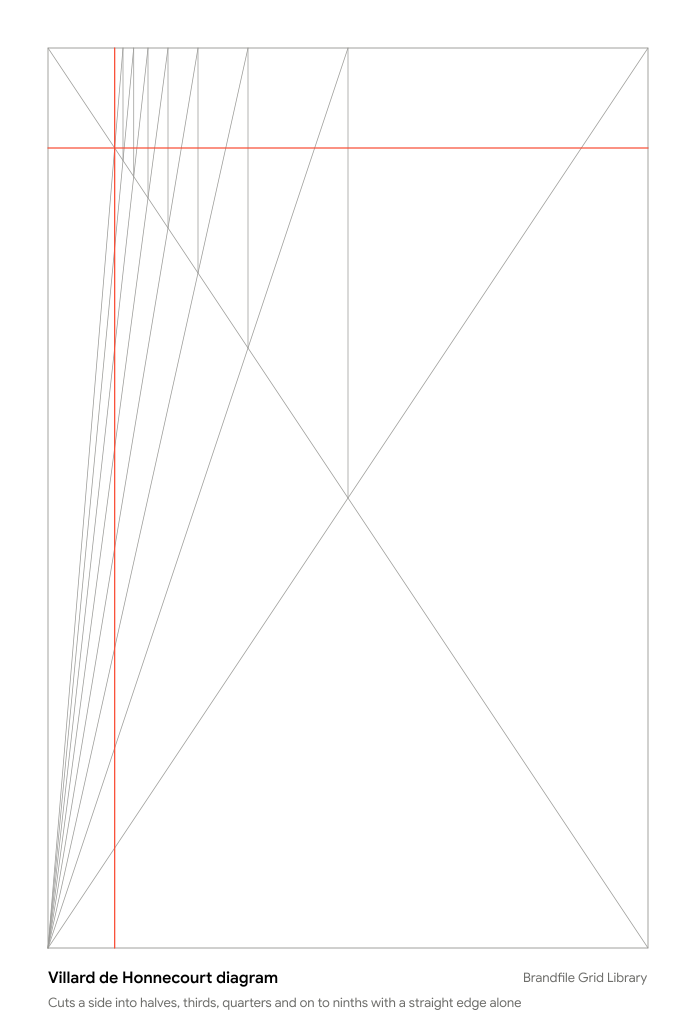
Villard de Honnecourt diagram
Villard de Honnecourt's diagram divides a line into equal parts with only a straight edge. On a page it finds halves, thirds, quarters and so on, up to ninths.
Free for personal and client work. Opens in Illustrator, Affinity, Figma and Inkscape.
What it's for
- Dividing a page into any number of parts without measuring
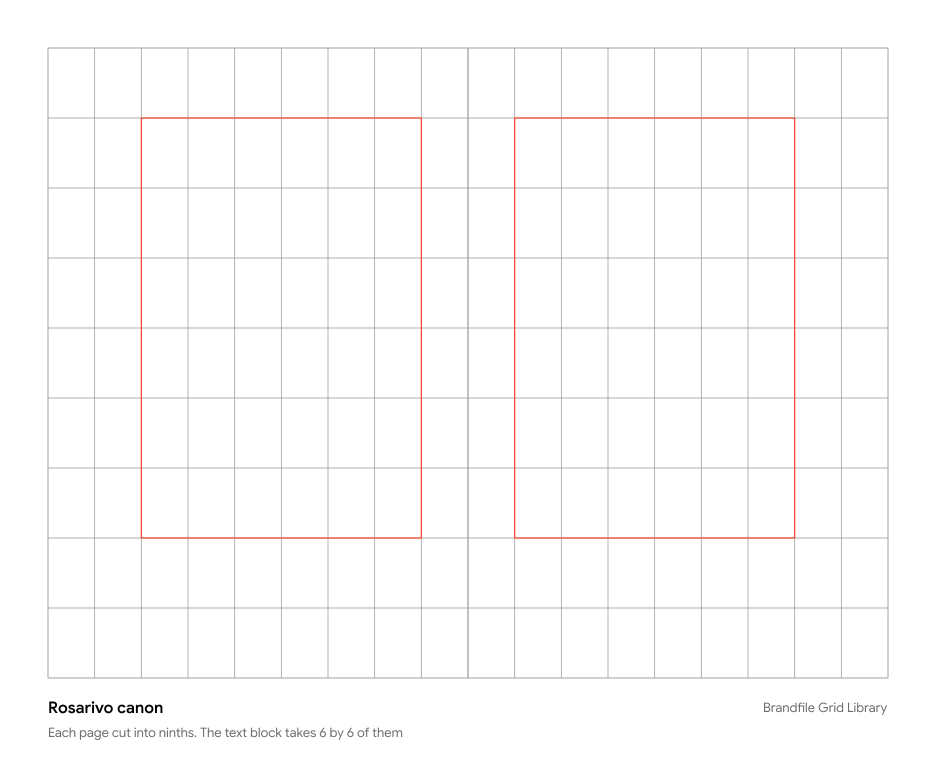
- Finding the ninths used in classic page canons
- Teaching how page canons work
How to draw it
- Draw the page and both its diagonals. Where they cross is half the width.
- Draw a line up from that point to the top edge.
- Draw a line from there to the bottom-left corner. Where it crosses the diagonal is one third of the width.
- Repeat from each new point to get quarters, fifths and so on.
- Stop at ninths for the classic canon margins.
When not to use it
It is slower than measuring in software. Use it to understand the canon, then set the margins by number.
What's in the file
One SVG, 696 by 1036, with four named layers, so you can lock the grid and draw above it:
- Frame: the edge of the grid.
- Construction: the grid lines, in warm grey.
- Accents: the lines and points that matter most, in coral.
- Labels: the name and a short note, as outlines. Hide it while you draw.
Get all 54 grids
The whole Grid Library in one ZIP: every grid in 8 numbered folders, with a README that names each one. We email it to you, free.
Do it on your own logo
Brandfile's Book step lays out your brand guide for you, on landscape, A4, square or poster pages. See Book.