Logo construction grids, drawn from your SVG
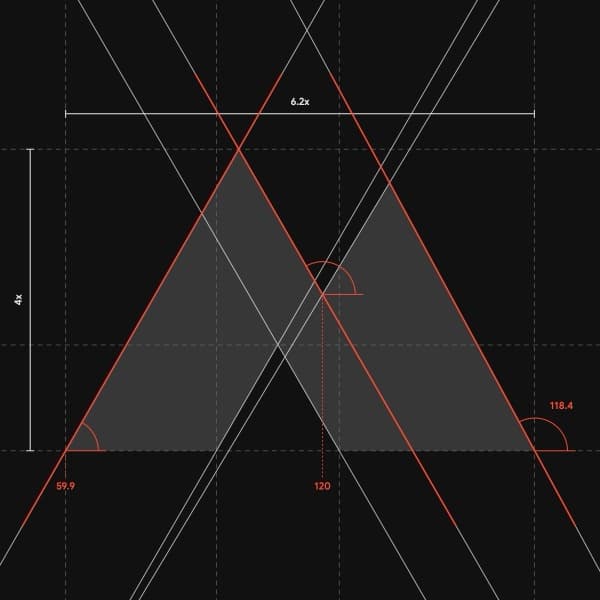
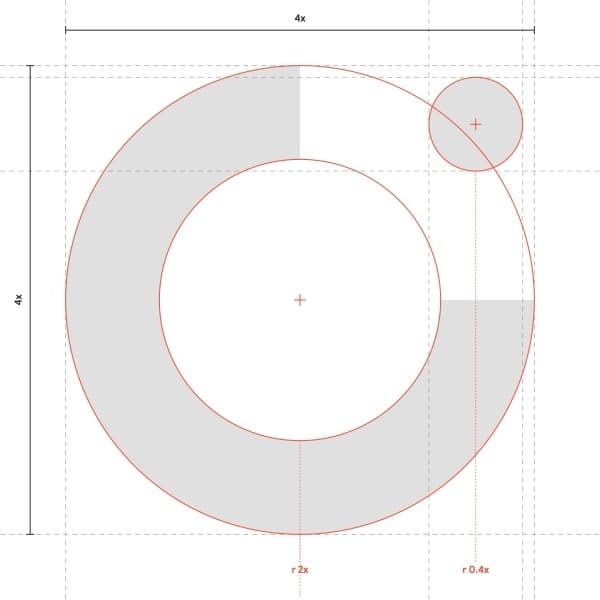
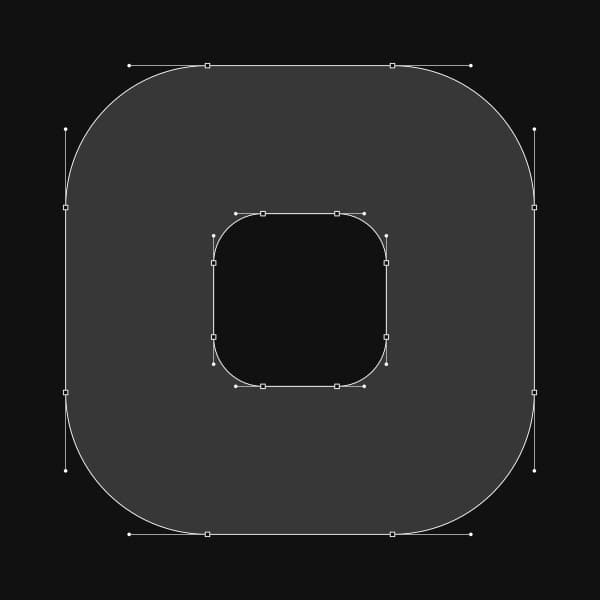
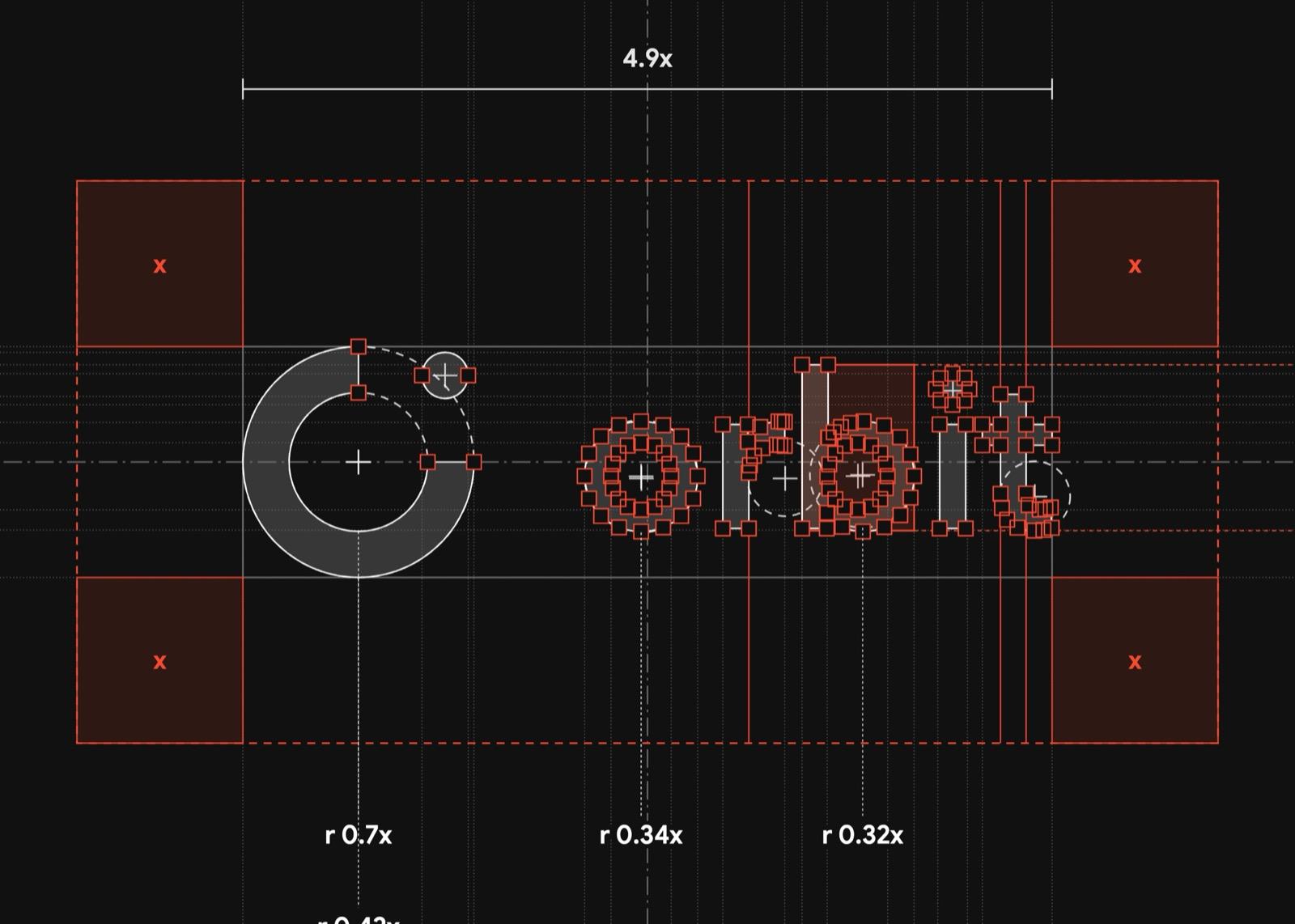
Brandfile is an online logo grid generator for brand designers. Upload a logo SVG and it draws the construction grid from your real curves: circles, edge lines, anchor points, Bezier handles and clear space, on a clean sheet you can export as PNG or SVG.
It works with Illustrator, Figma, Affinity Designer and Inkscape, because it reads the SVG they export. It runs in your browser, with nothing to install.
What is a logo construction grid?
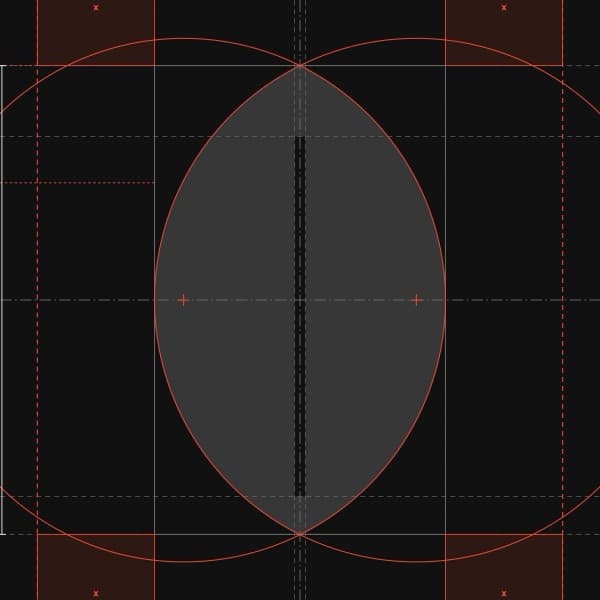
A logo construction grid is the set of circles, lines and guides that shows how a logo was built. Designers use it in case studies and brand guidelines to show the logo was drawn with care. Brandfile makes one from your logo's SVG file in seconds, using the real curves instead of tracing.
In this project
This project shows Brandfile on letterforms set in Futura, Didot, Bodoni, Baskerville, Gill Sans and Avenir, on made-up marks and lockups, and on real client logos. Every grid here was drawn by Brandfile from the SVG file. Nothing was traced by hand.
- Logo construction grids with circles and edge lines
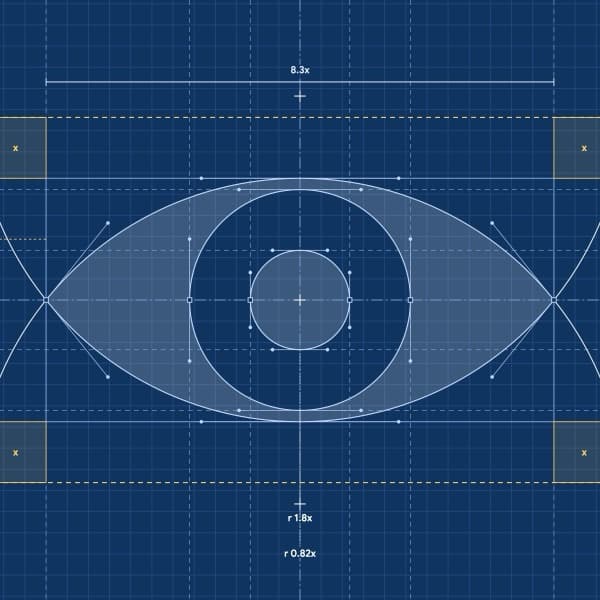
- Anchor points and Bezier handles
- Clear space measured in x units
- Golden ratio, isometric and hexagon base grids
- Light, dark and blueprint construction sheets
- 15 looks for one logo, from the same measurement
One letter, three looks
The same lowercase a, set in Futura, Didot and Avenir: construction circles, anchor points, and a square grid. Each look is one click in Brandfile, and all three come from the same measurement.
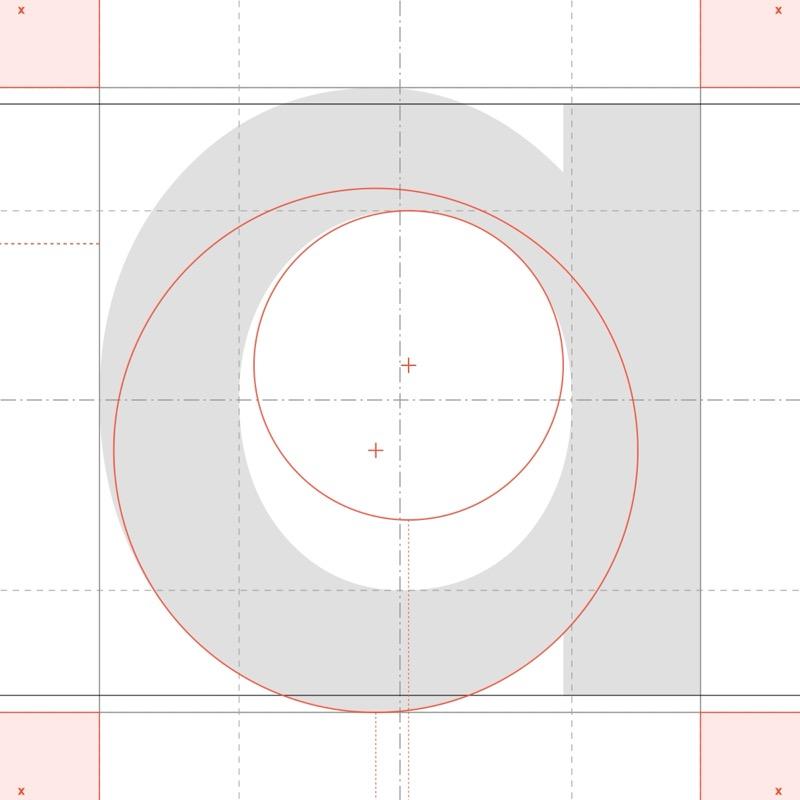
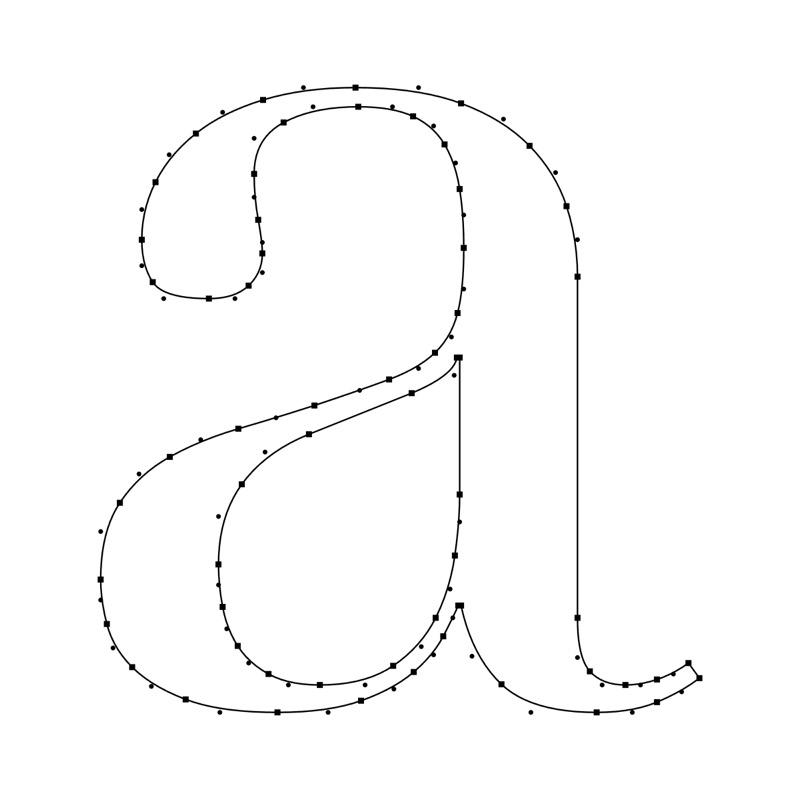
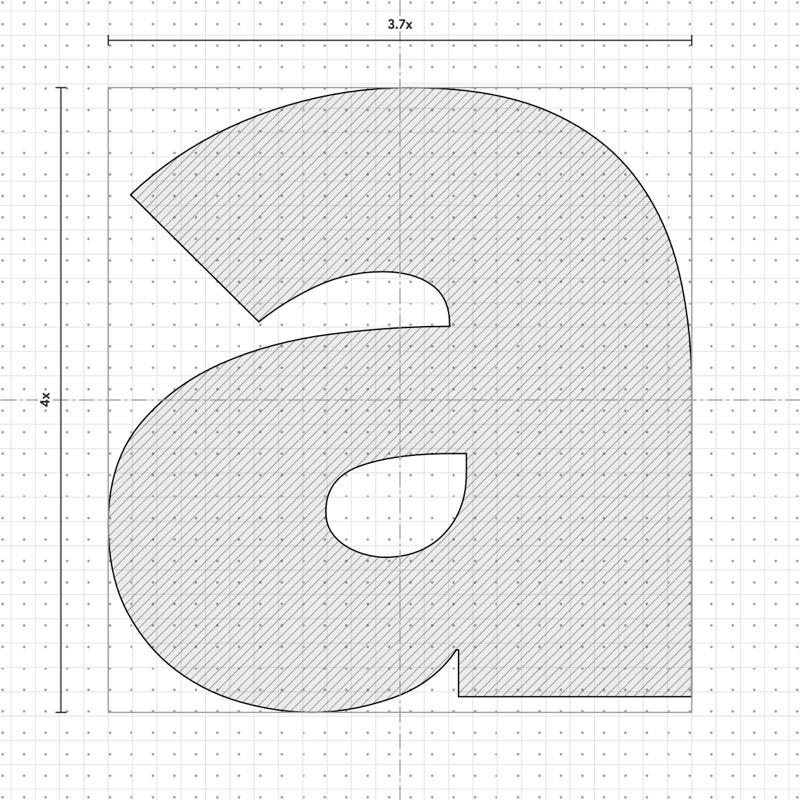
How Brandfile finds the circles in a logo
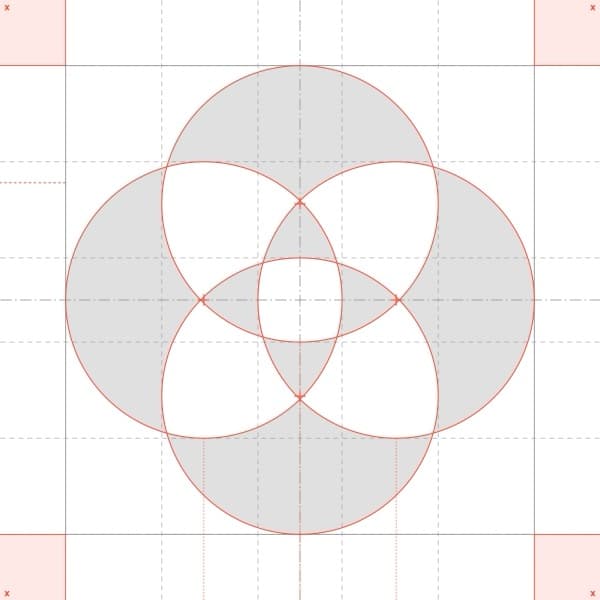
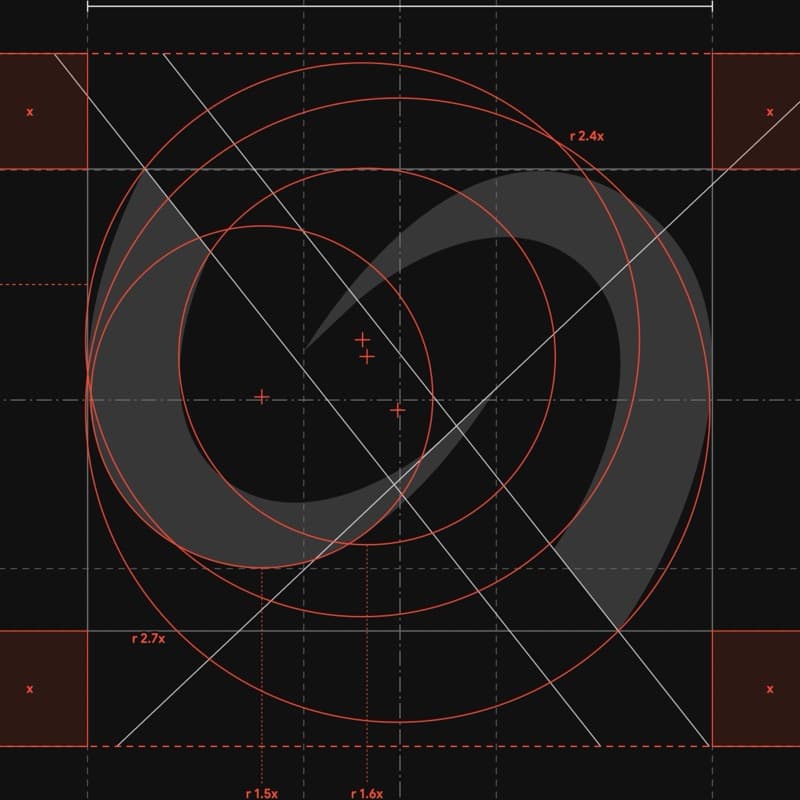
Brandfile reads the exact paths in your SVG. It fits circles to your actual curves and draws edge lines under your actual corners, so every guide sits on the shape it came from. No guessing circles by eye.
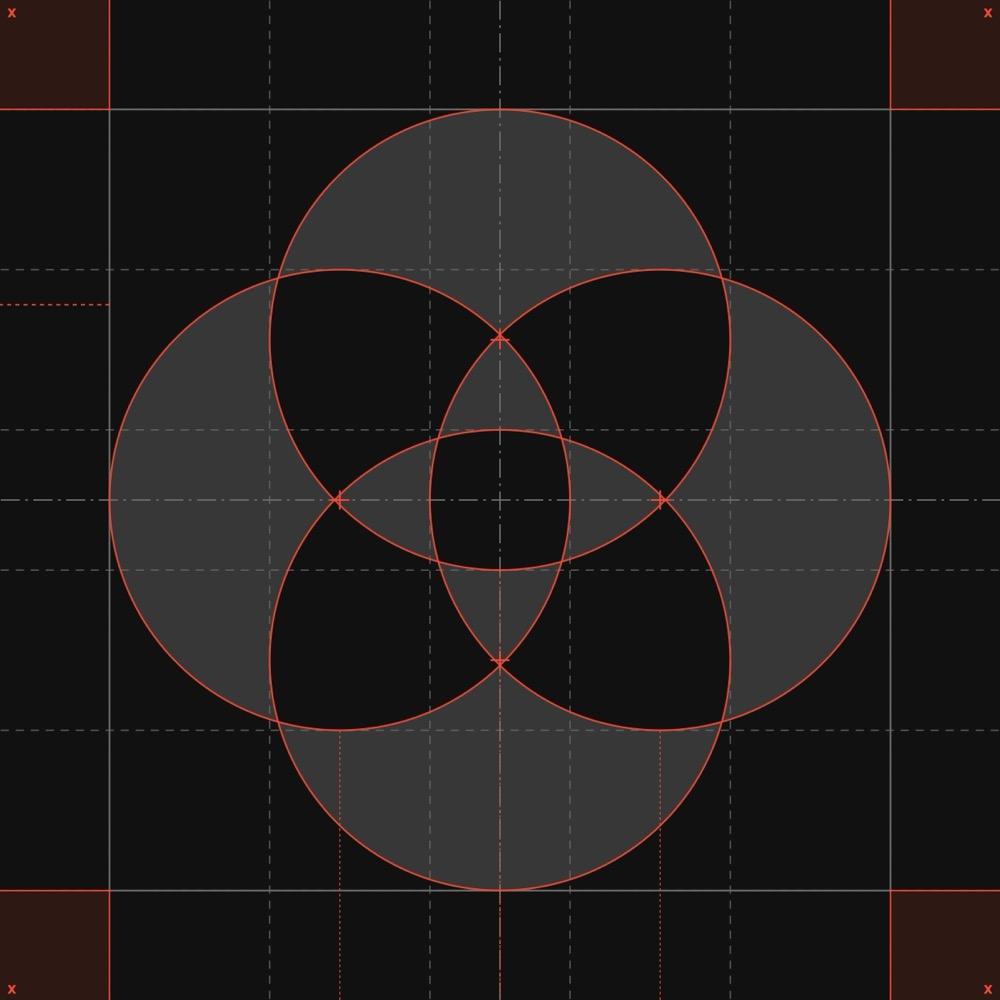
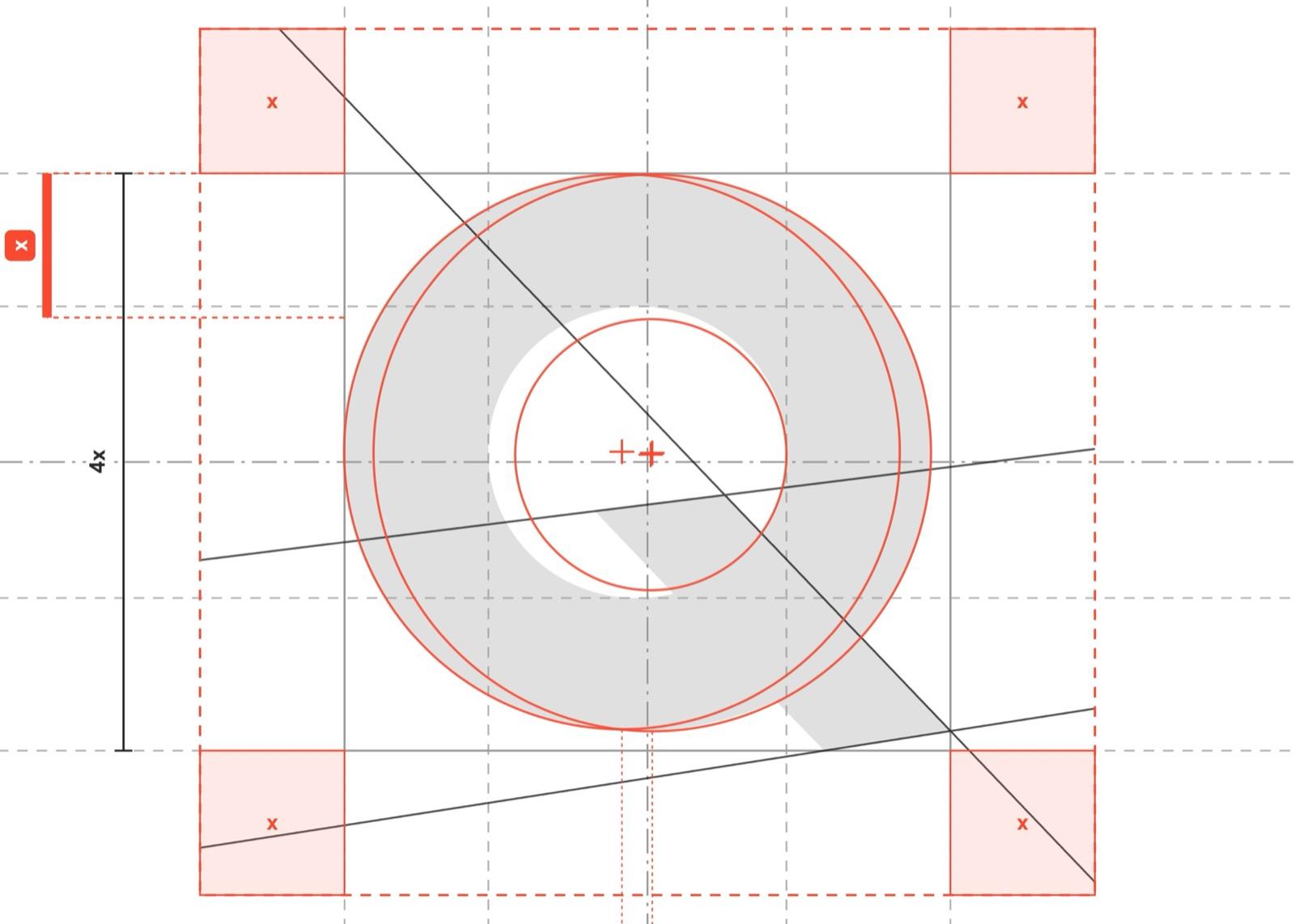
How to make a logo grid in 3 steps
- Export your logo as SVG from Illustrator, Figma, Affinity Designer or Inkscape.
- Drop it into Brandfile. The circles, edge lines and clear space appear in seconds.
- Turn layers on or off, pick a look, and export a 2400 px PNG or an SVG you can edit.
Logo clear space, measured in x
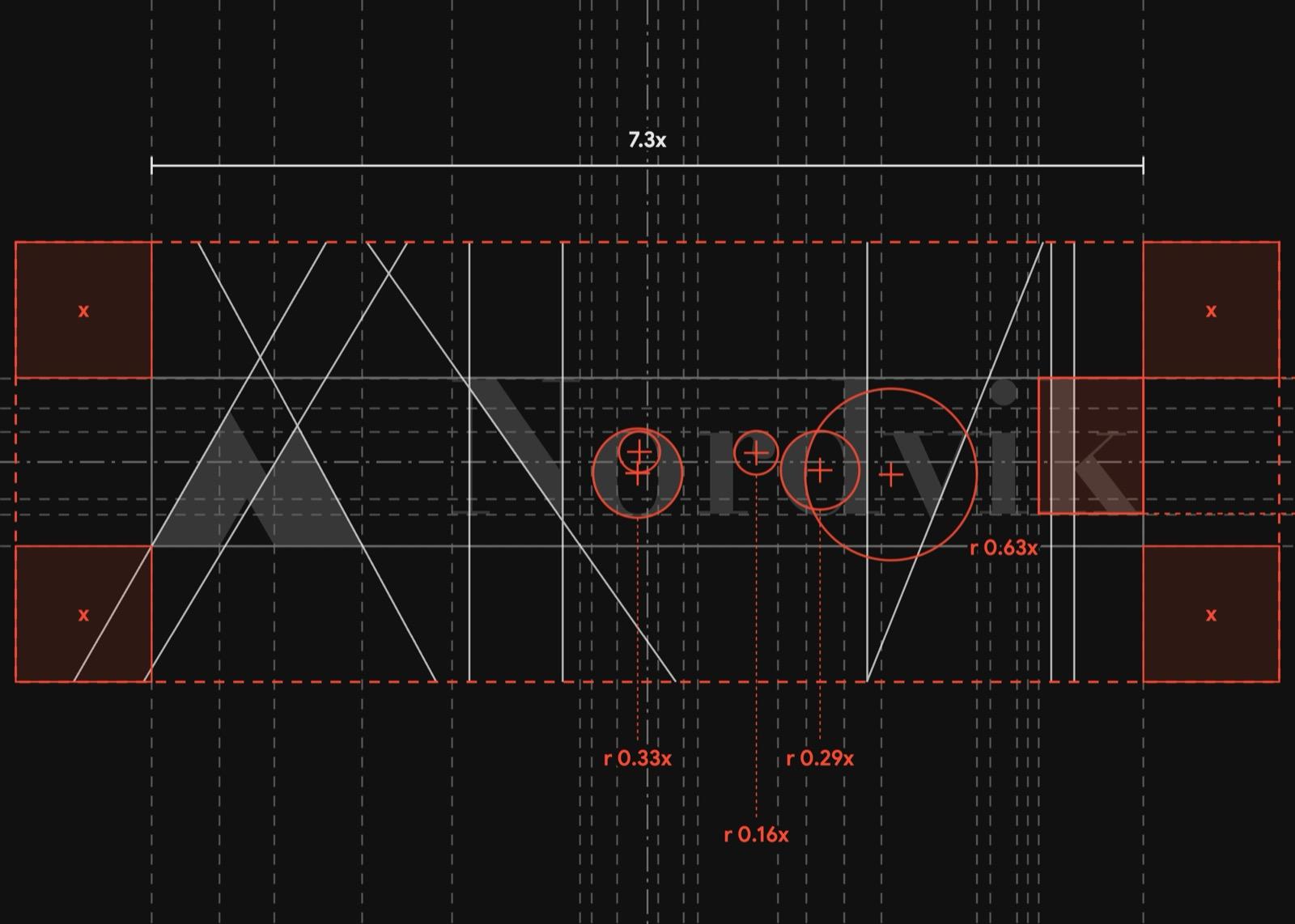
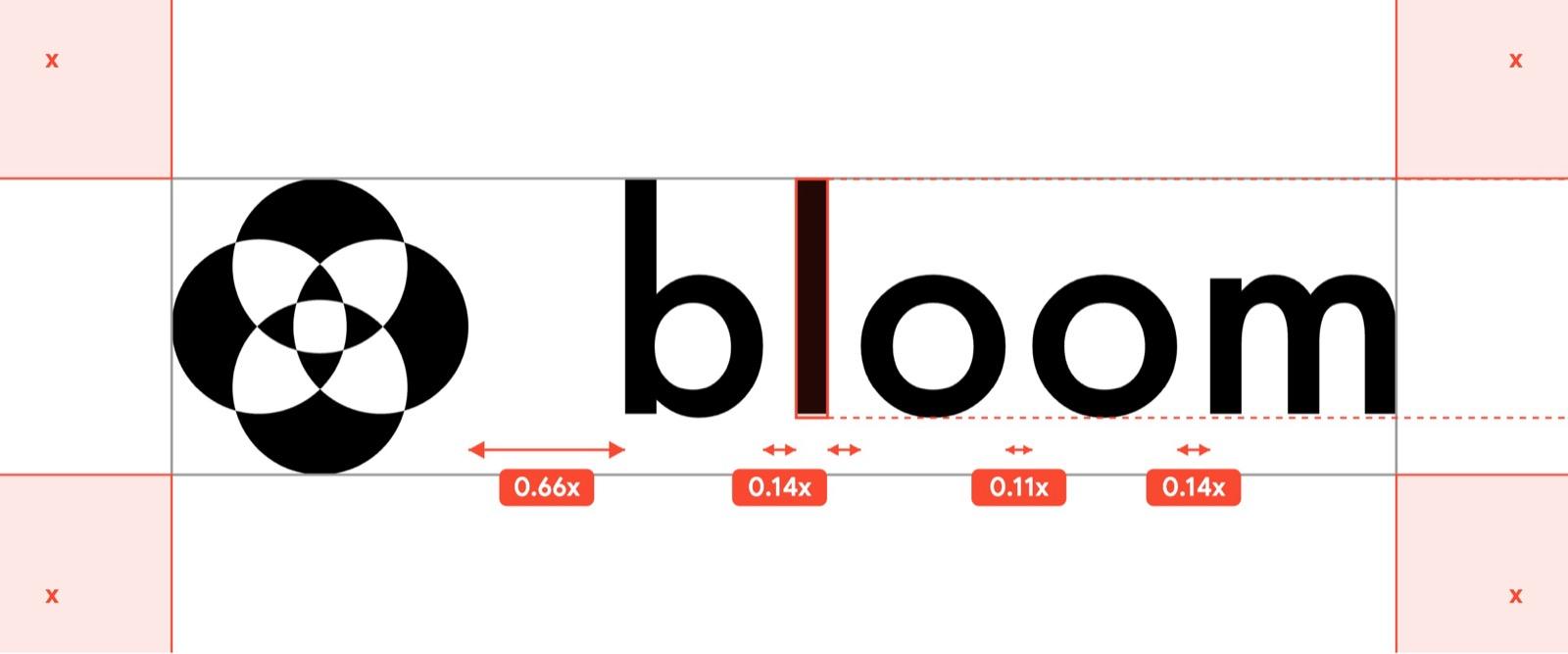
Clear space is the empty area a logo needs around it. Brandfile measures it in x units, where x is the height of the letters, the height of the mark, or a share of the logo. It draws the clear space boxes and the gaps between letters on the sheet.
Does a logo grid generator work with Figma and Affinity?
Yes. Brandfile works with any design app that exports SVG: Illustrator, Figma, Affinity Designer, Inkscape, Sketch and CorelDRAW. It runs in the browser, so there is no plug-in to install.

How fast is it?
Most logos in this project were measured in under half a second. A full lockup, mark and wordmark together, took about a quarter of a second. Switching to another look redraws in under a millisecond.

Construction grids for typography and letterforms
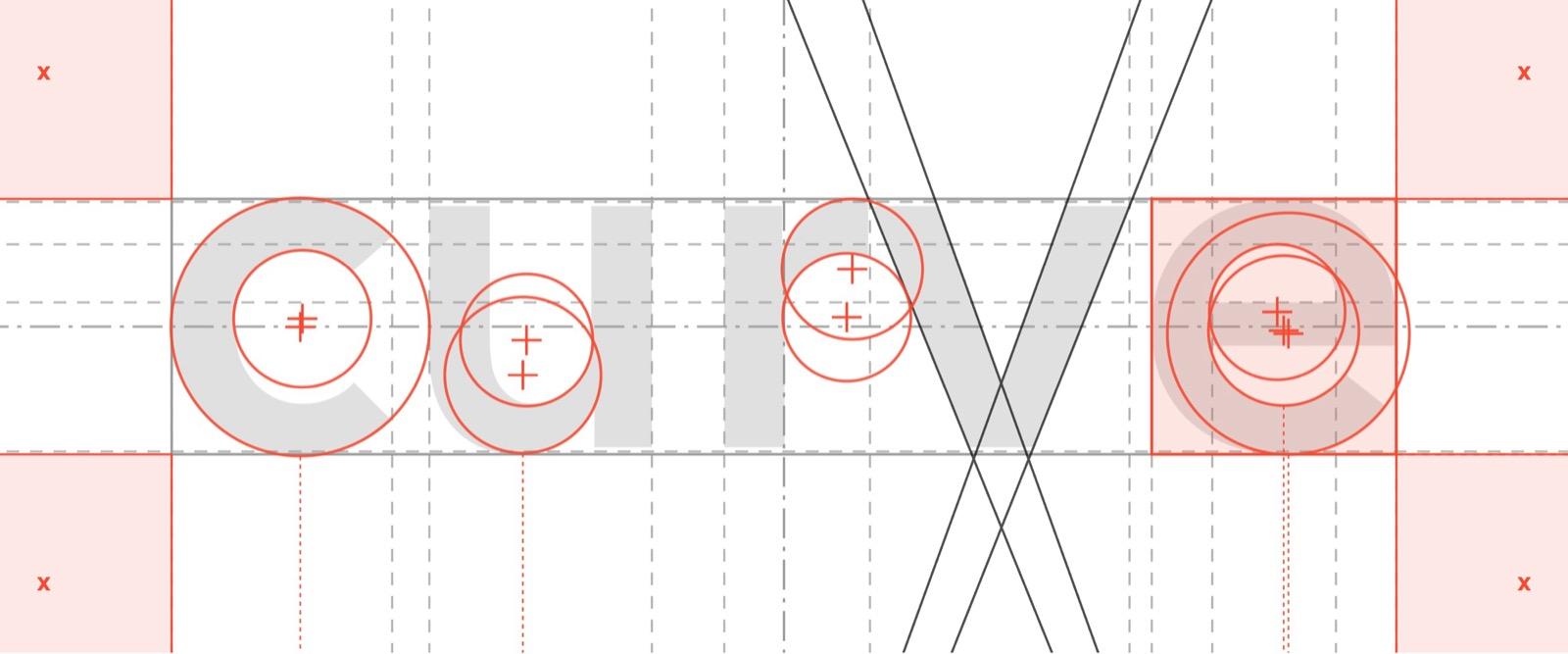
Brandfile also works on wordmarks and single letters. Convert the text to outlines, export the SVG, and it finds the circles in every bowl and the edge lines on every stem.
Real client logos
Six logos from our own studio, straight from the files we handed over to clients. Brandfile drew each grid from the original SVG.
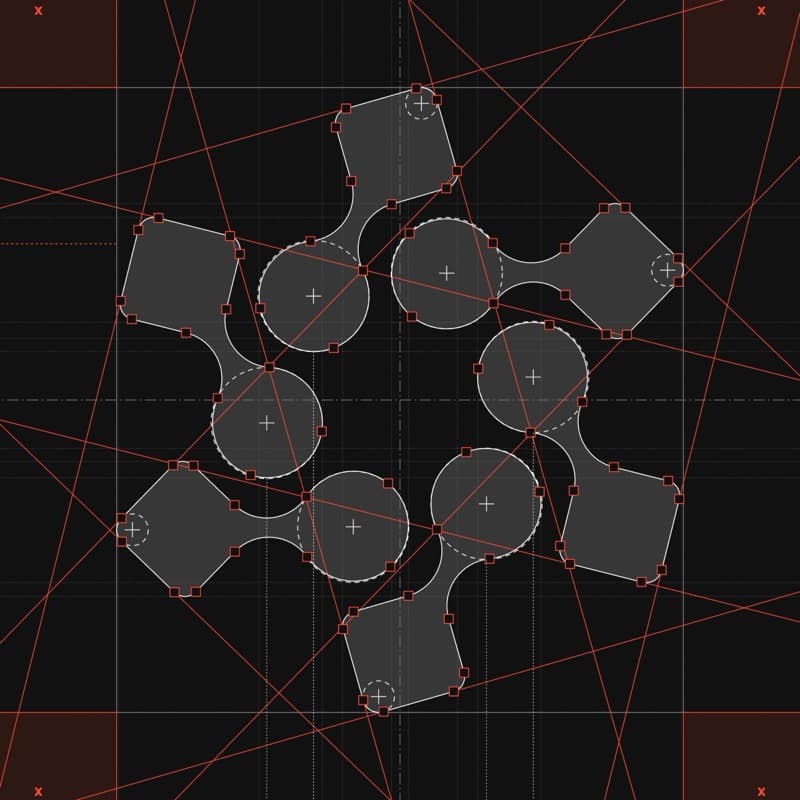
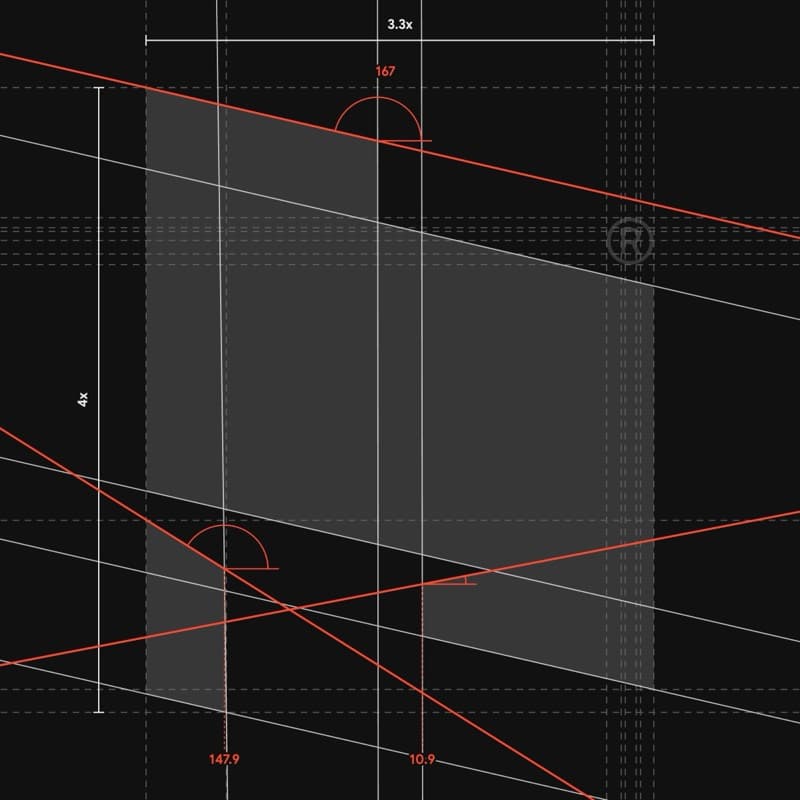
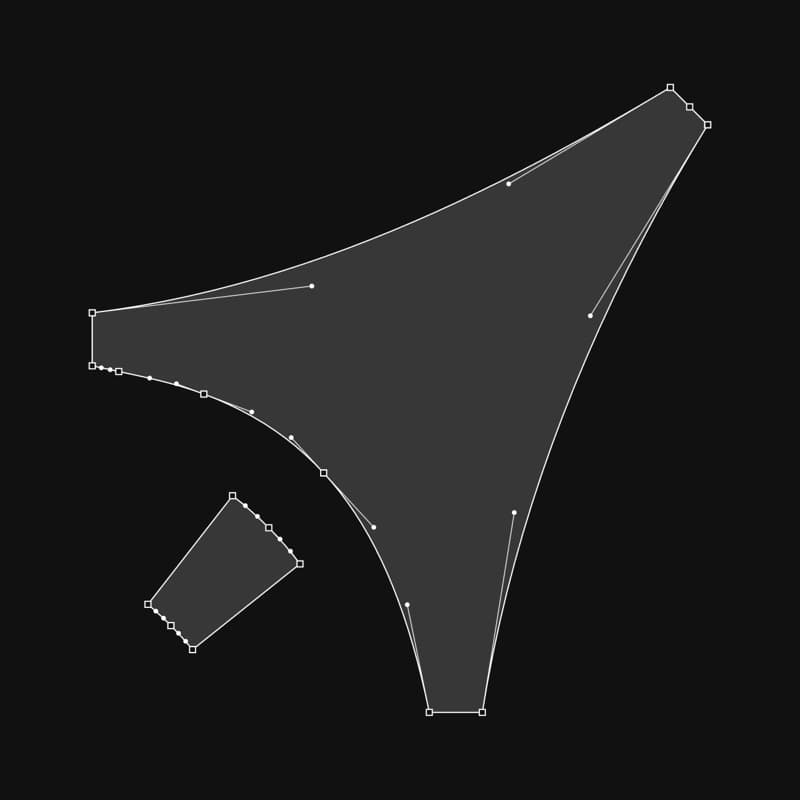
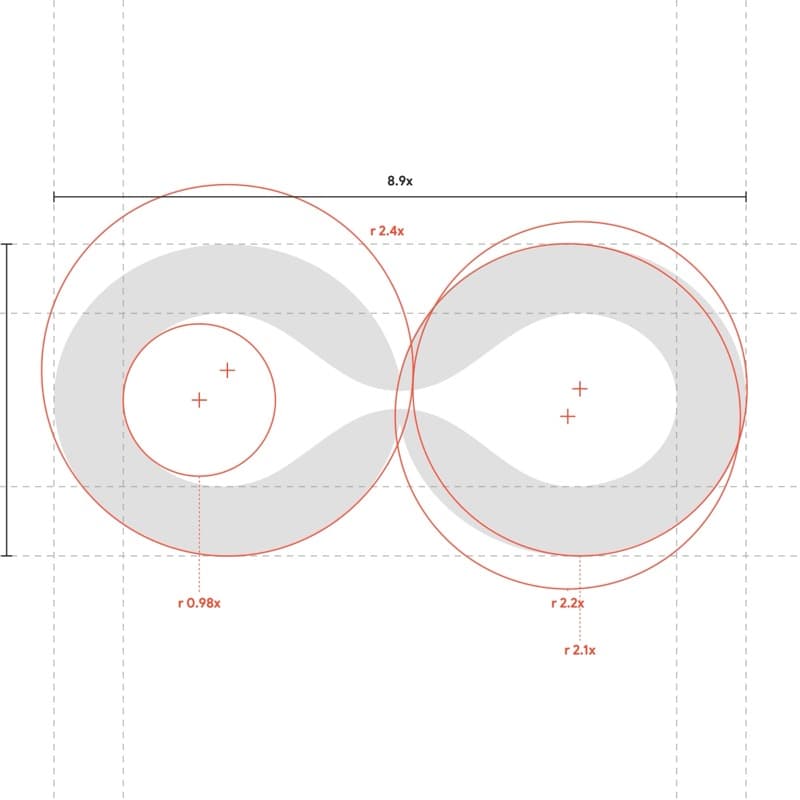
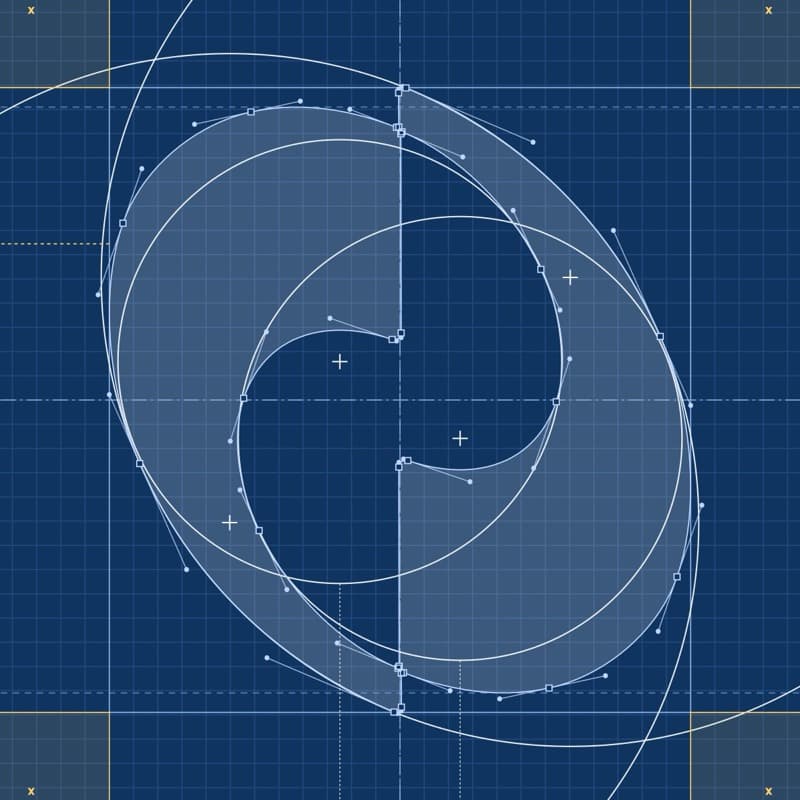
15 construction sheet looks
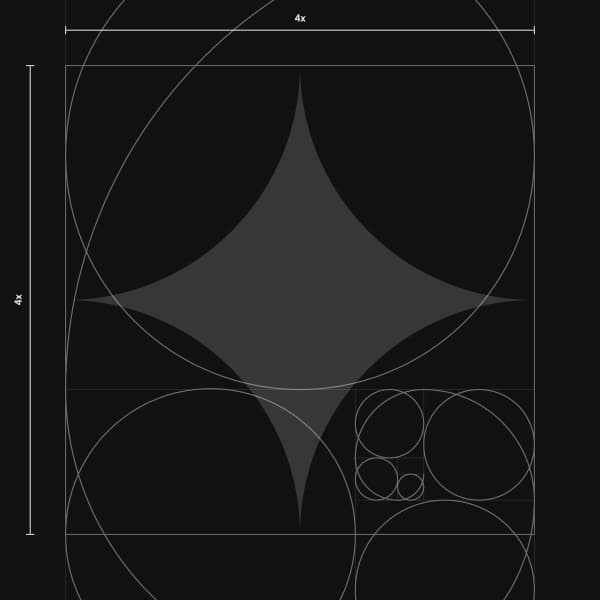
Light, dark and blueprint sheets. Ghost, solid, outline, hatched or original colour logos. Circles only, edge lines, anchor points, clear space, and golden ratio, square, isometric and hexagon grids.
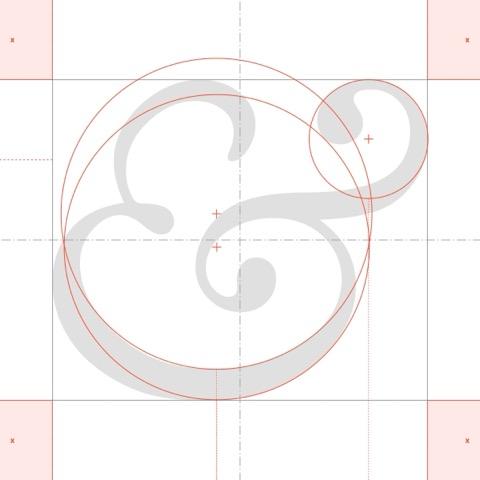
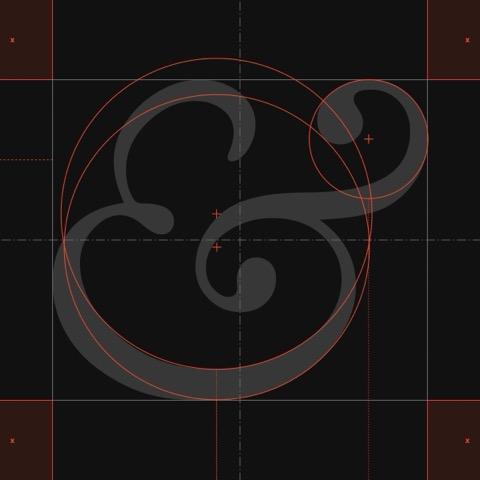
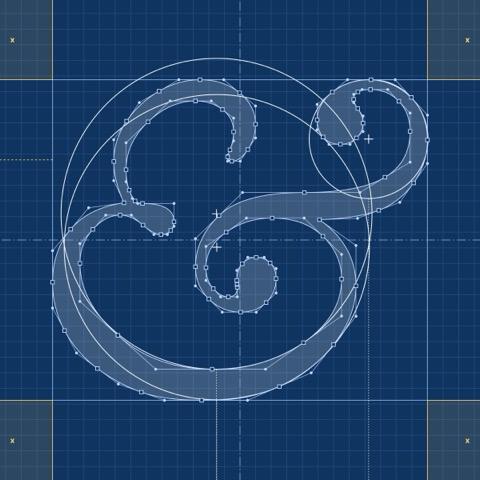
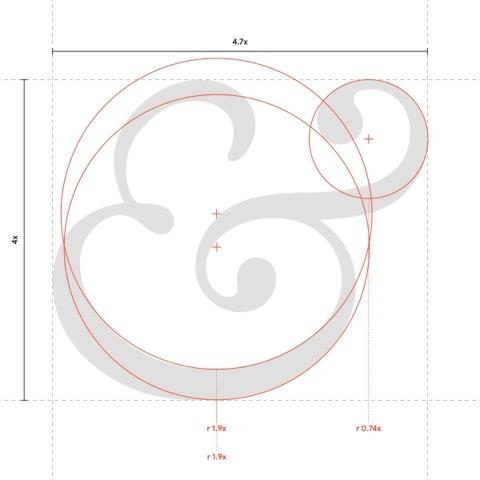
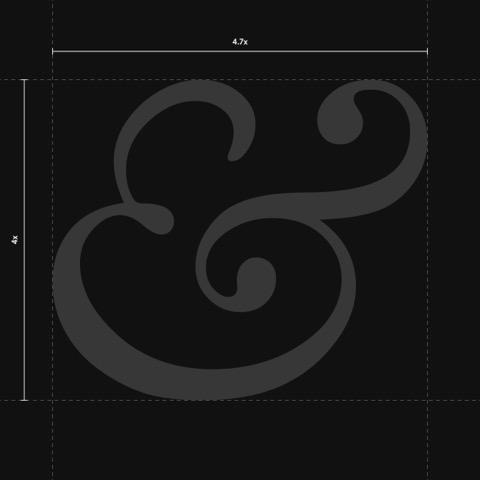

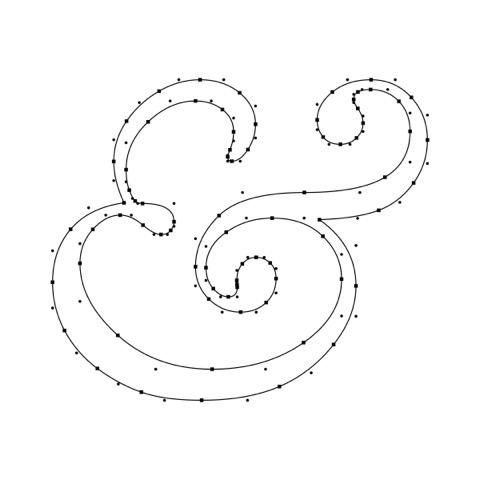
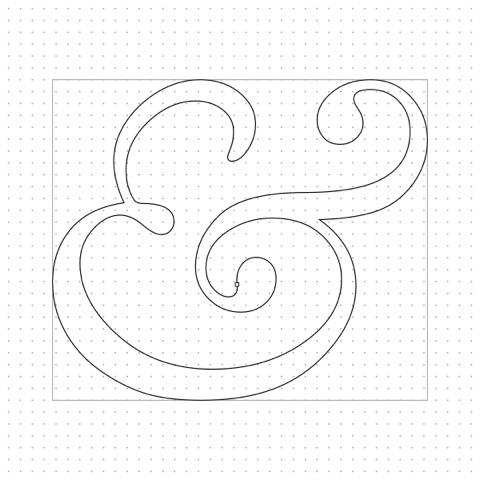
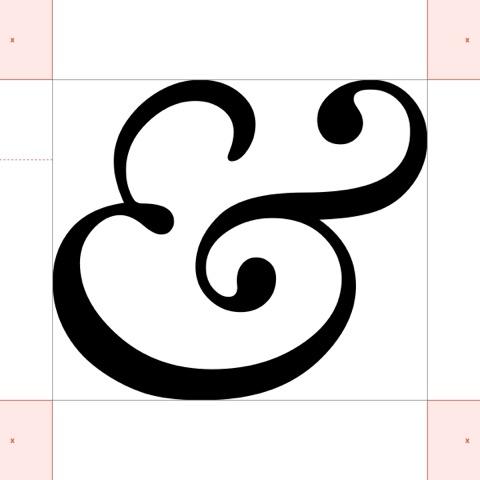
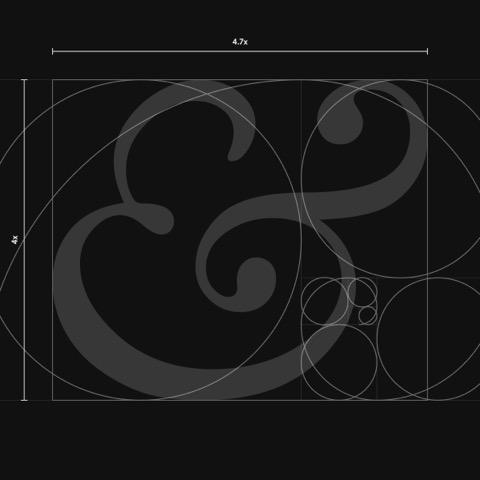
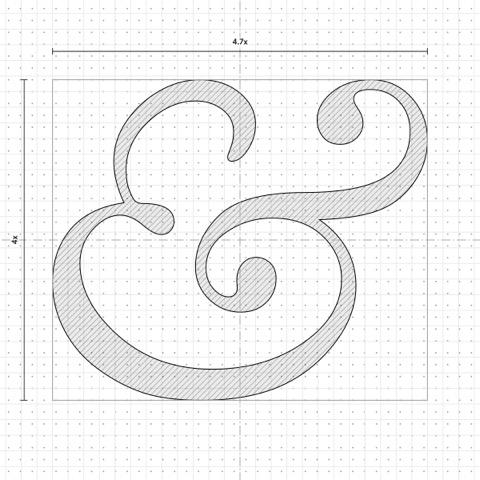

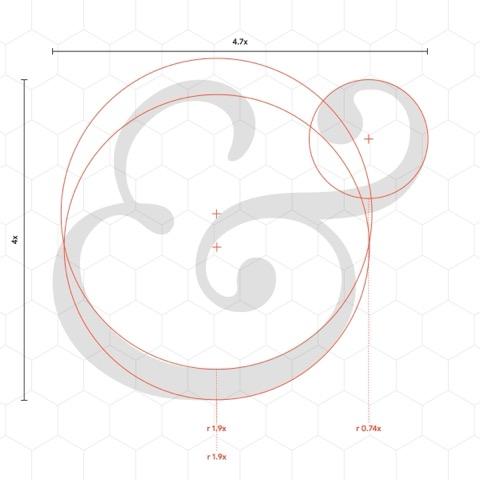
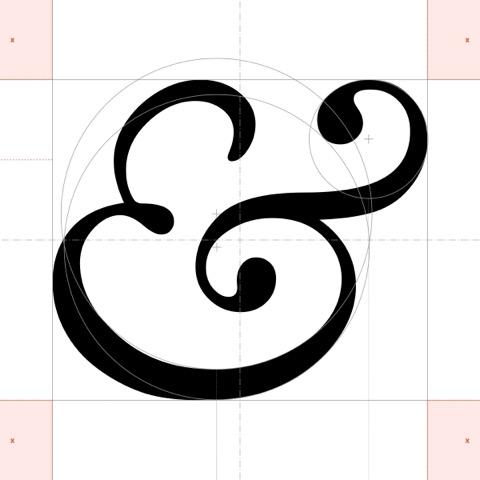
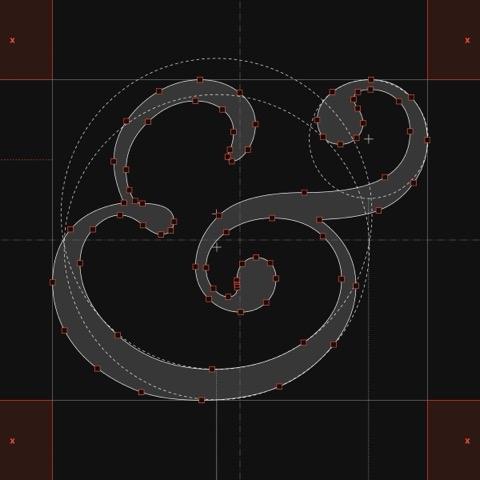
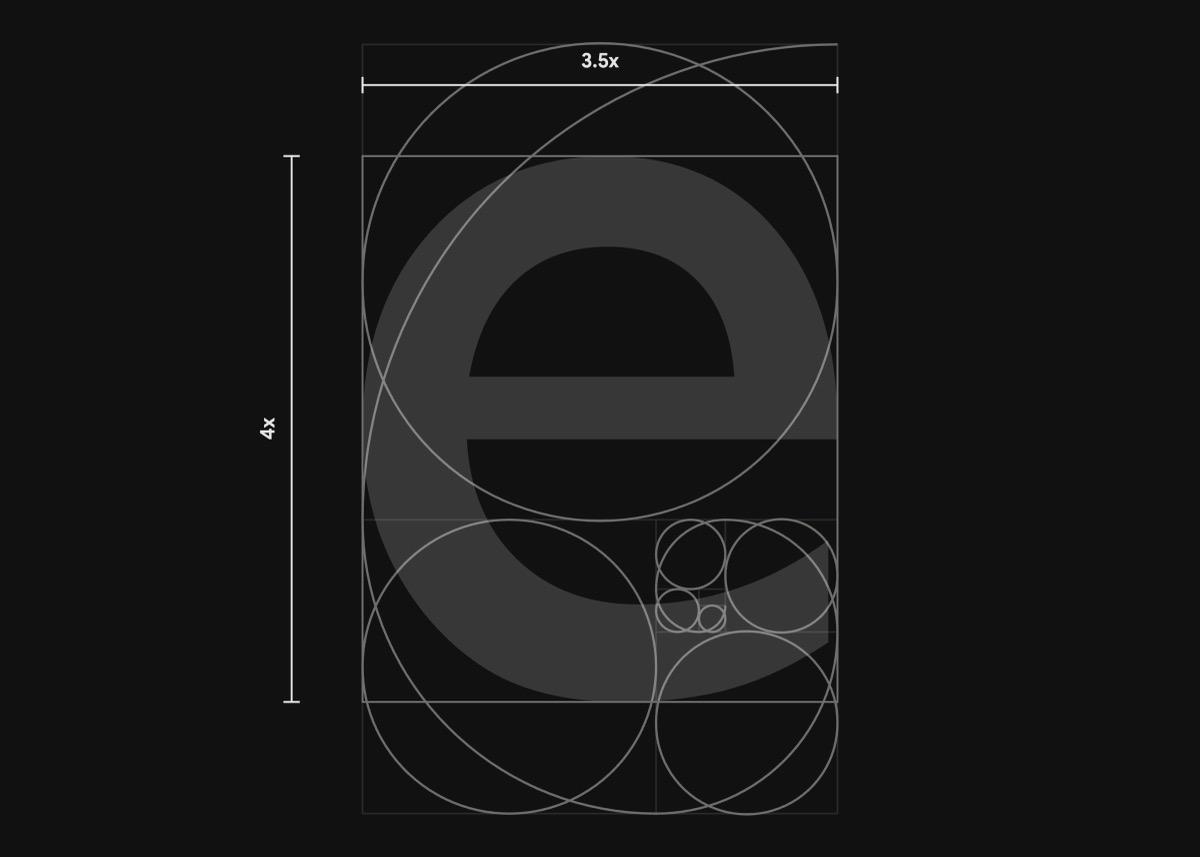
Golden ratio logo grid
Brandfile can lay a golden ratio grid, with its squares and spiral, over any logo. It also checks your logo's proportions and tells you which ones are within 3% of the golden ratio, so you only claim what is true.
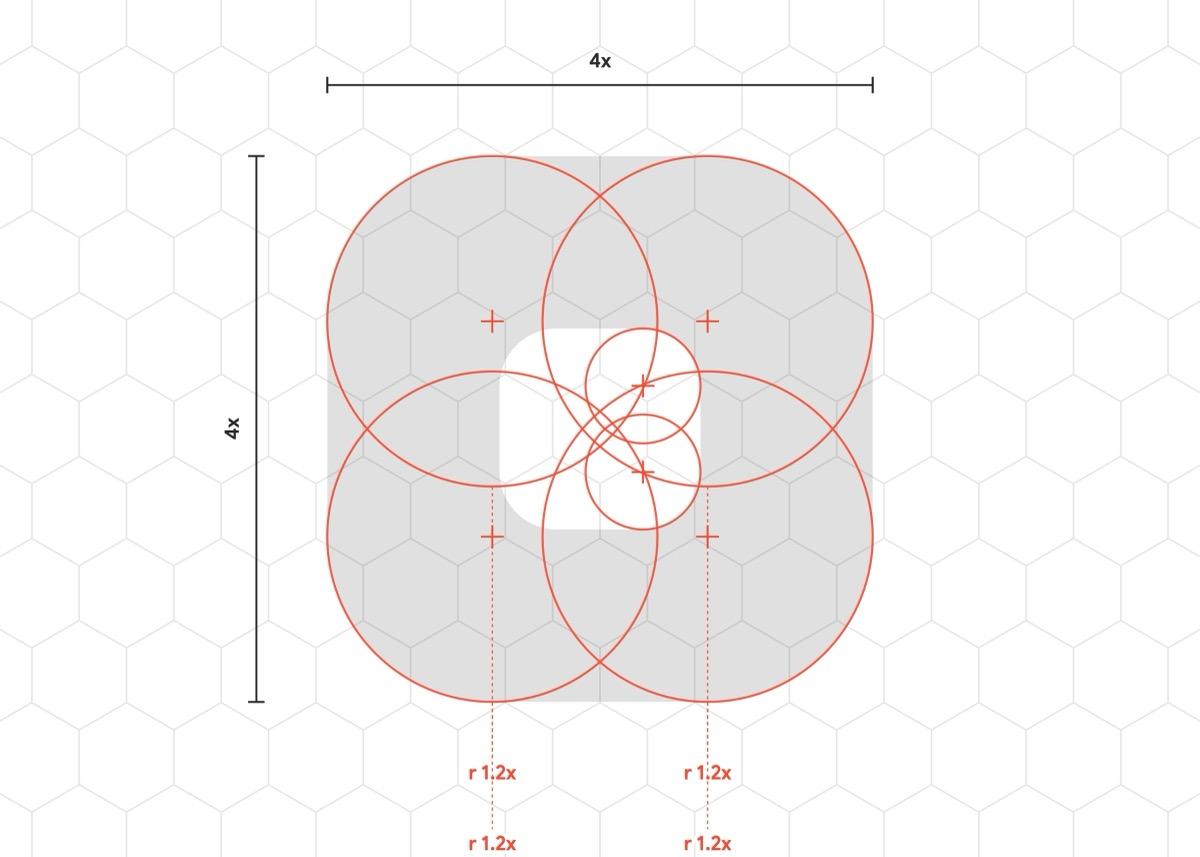
Isometric and hexagon grids
The isometric grid turns to match the main angle in your logo. The hexagon grid suits marks built on 60 degree angles. Both sit under the logo as a base grid.

A logo grid generator in your browser
Upload, turn on layers, switch the look, add a base grid and export, all in the real Brandfile app at brandfile.app.
Export to the app you already use
Editable SVG with every layer apart, or a 2400 px PNG.
- Illustrator
- Figma
- Affinity
- Sketch
- Inkscape
Is the logo grid generator free?
Yes. The free plan includes 3 files and the logo grid generator with the square grid and full PNG and SVG export, with a small Brandfile credit. Pro is $8 a month or $69 a year and adds the golden ratio, isometric and hexagon grids, your own layer styles, and no credit.
Questions designers ask
- Can I edit the grid afterwards?
- Yes. Download the SVG and open it in your design app. Every line is a real vector.
- What if my logo has text?
- Convert the text to outlines before you export the SVG. Brandfile measures shapes, not live fonts.
- How accurate is it?
- Brandfile reads the exact paths in your SVG, so anchors, handles and arcs sit where you drew them.
- Where do I start?
- Go to brandfile.app/grids and drop in your logo SVG.