Phi grid
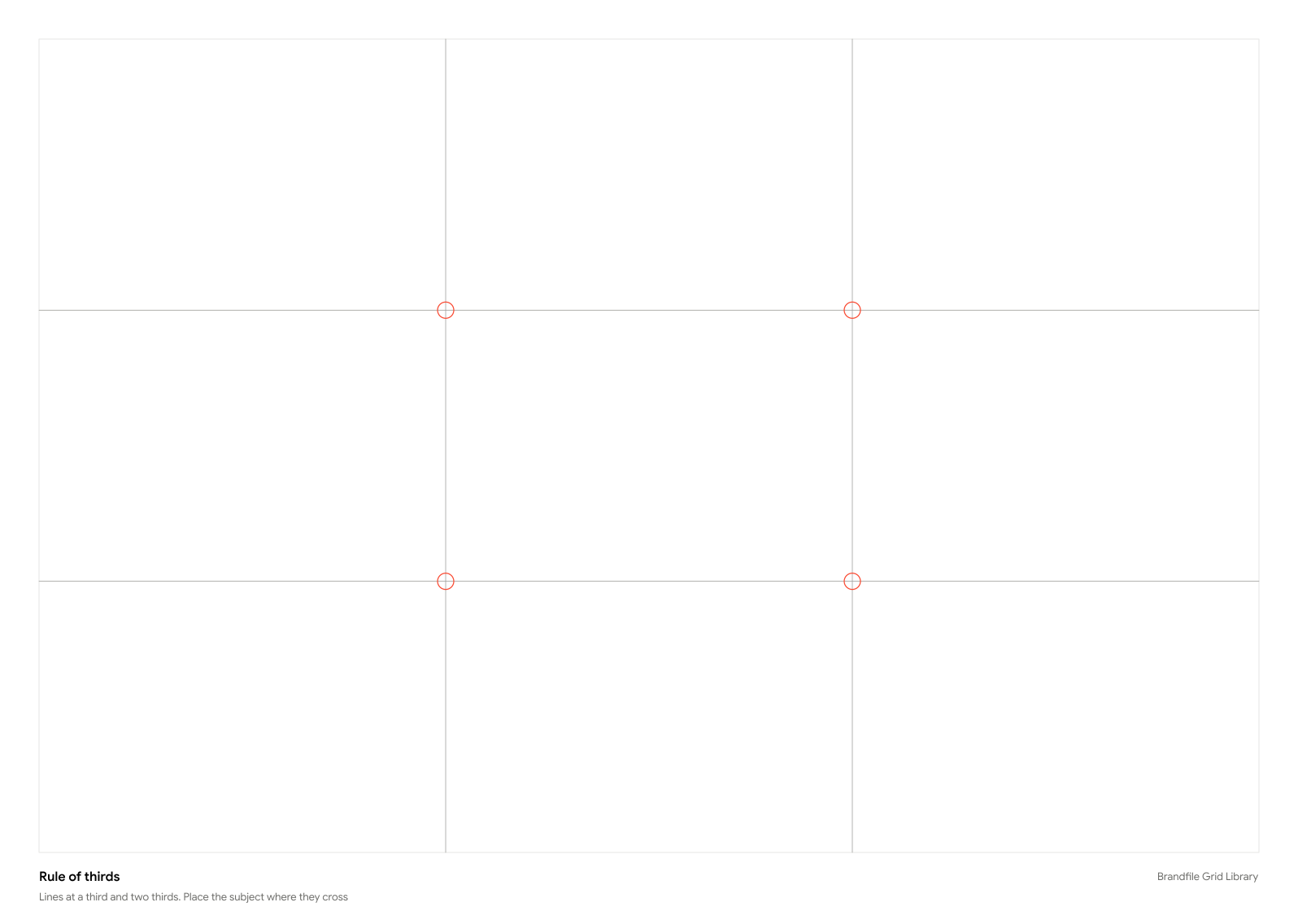
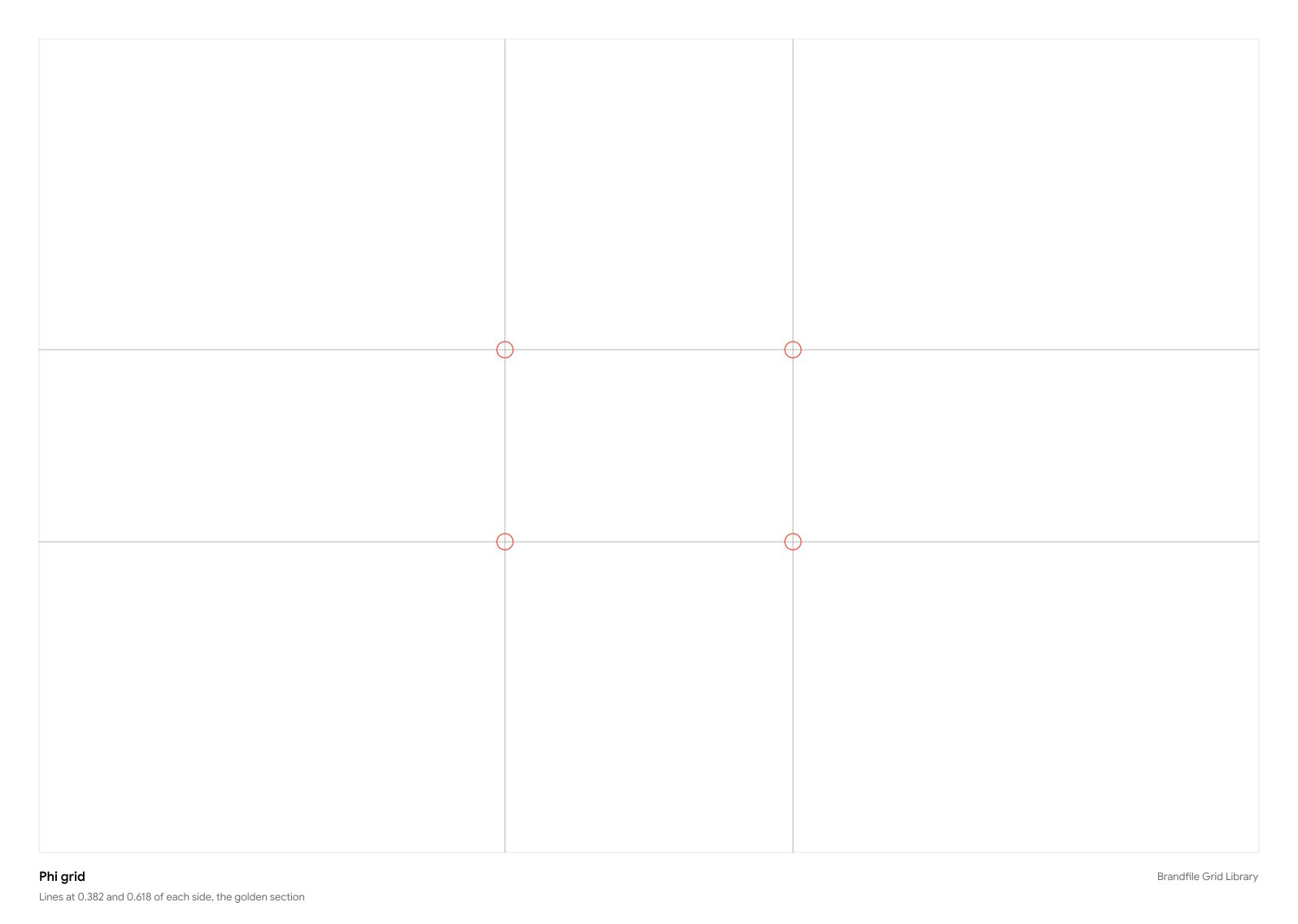
A phi grid places lines at the golden section, 0.382 and 0.618 of each side. It is like the rule of thirds, with the lines a little closer to the middle.
Free for personal and client work. Opens in Illustrator, Affinity, Figma and Inkscape.
What it's for
- Placing a subject on a golden proportion
- Posters, covers and slides
- Splitting a layout into two related parts
How to draw it
- Multiply the width by 0.382 and by 0.618, and draw upright lines there.
- Do the same with the height.
- Mark the four crossings.
- Put the main element on a crossing.
- Split blocks of content at the lines.
When not to use it
On small frames the difference from thirds is hard to see. Pick the one that looks right.
What's in the file
One SVG, 1596 by 1136, with four named layers, so you can lock the grid and draw above it:
- Frame: the edge of the grid.
- Construction: the grid lines, in warm grey.
- Accents: the lines and points that matter most, in coral.
- Labels: the name and a short note, as outlines. Hide it while you draw.
Get all 54 grids
The whole Grid Library in one ZIP: every grid in 8 numbered folders, with a README that names each one. We email it to you, free.
Do it on your own logo
Brandfile's Layouts step places your logo on 11 formats by one rule, with a size table and grid settings for Figma and InDesign. See Layouts.