Root 2 rectangle
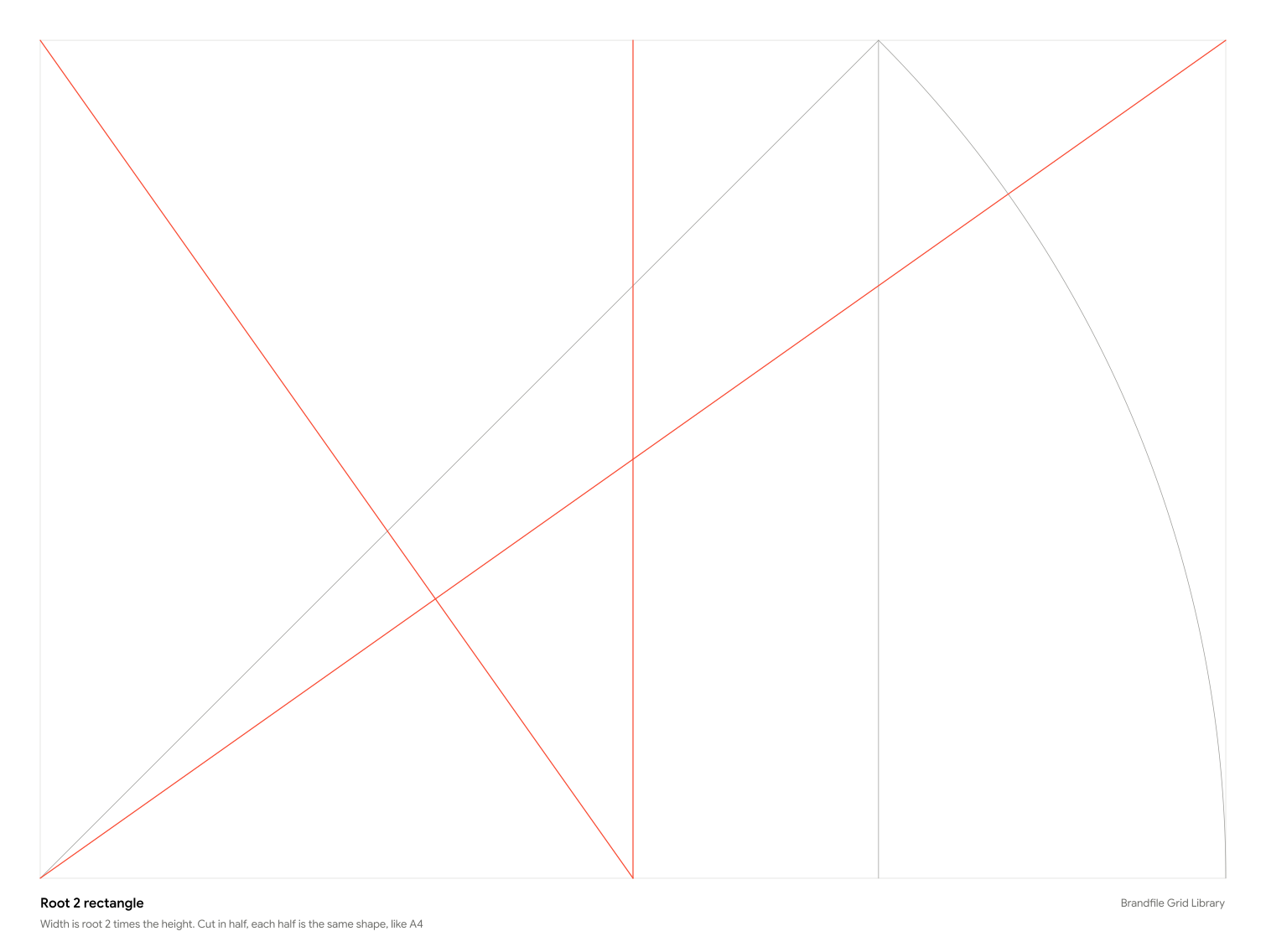
A root 2 rectangle is the square root of 2 times as wide as it is tall, about 1.414. Cut it in half and each half is the same shape again, which is why A4 paper uses it.
Free for personal and client work. Opens in Illustrator, Affinity, Figma and Inkscape.
What it's for
- Posters, flyers and documents in A sizes
- Layouts that scale down to half size
- Splitting a page into two matching halves
How to draw it
- Draw a square.
- Draw its diagonal.
- Swing the diagonal down to the base line. Where it lands is the long side.
- Close the rectangle.
- Draw the line from the top-left corner that meets the diagonal square on. It reaches the base at half the width, cutting two root 2 rectangles.
When not to use it
US Letter is not a root 2 shape. Check the paper size before you rely on halves.
What's in the file
One SVG, 1510.213562373095 by 1136, with four named layers, so you can lock the grid and draw above it:
- Frame: the edge of the grid.
- Construction: the grid lines, in warm grey.
- Accents: the lines and points that matter most, in coral.
- Labels: the name and a short note, as outlines. Hide it while you draw.
Get all 54 grids
The whole Grid Library in one ZIP: every grid in 8 numbered folders, with a README that names each one. We email it to you, free.
Do it on your own logo
Brandfile's Layouts step places your logo on 11 formats by one rule, with a size table and grid settings for Figma and InDesign. See Layouts.