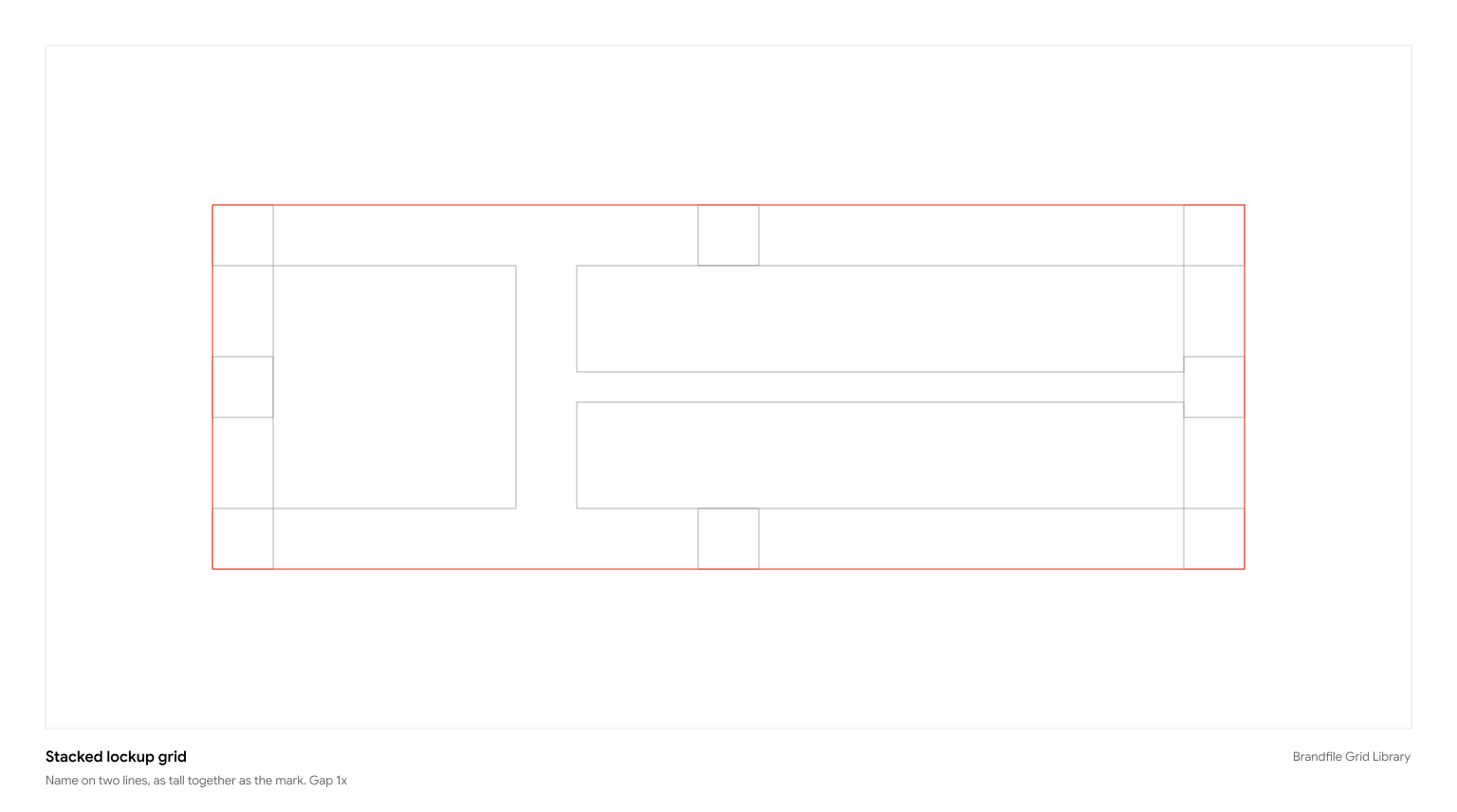
Stacked lockup grid
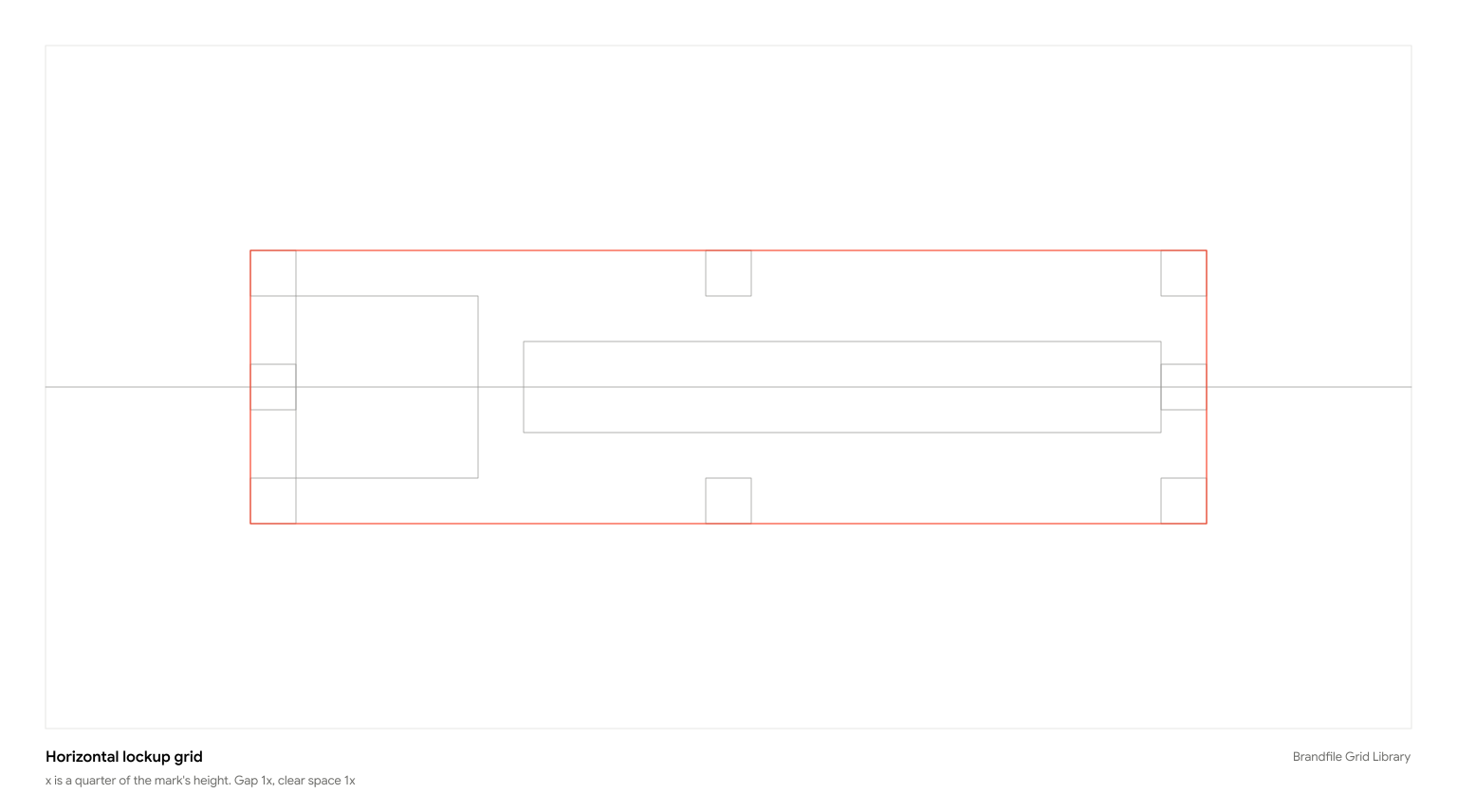
A stacked lockup sets the name on two lines beside the mark, so the two lines together are as tall as the mark. It suits long names in tight spaces.
Free for personal and client work. Opens in Illustrator, Affinity, Figma and Inkscape.
What it's for
- Long or two-word names
- Spaces that are neither wide nor tall
- App screens and business cards
How to draw it
- Take a quarter of the mark's height as x.
- Split the name into two lines, with half an x between them.
- Size the lines so together they are as tall as the mark.
- Leave a 1x gap between the mark and the name.
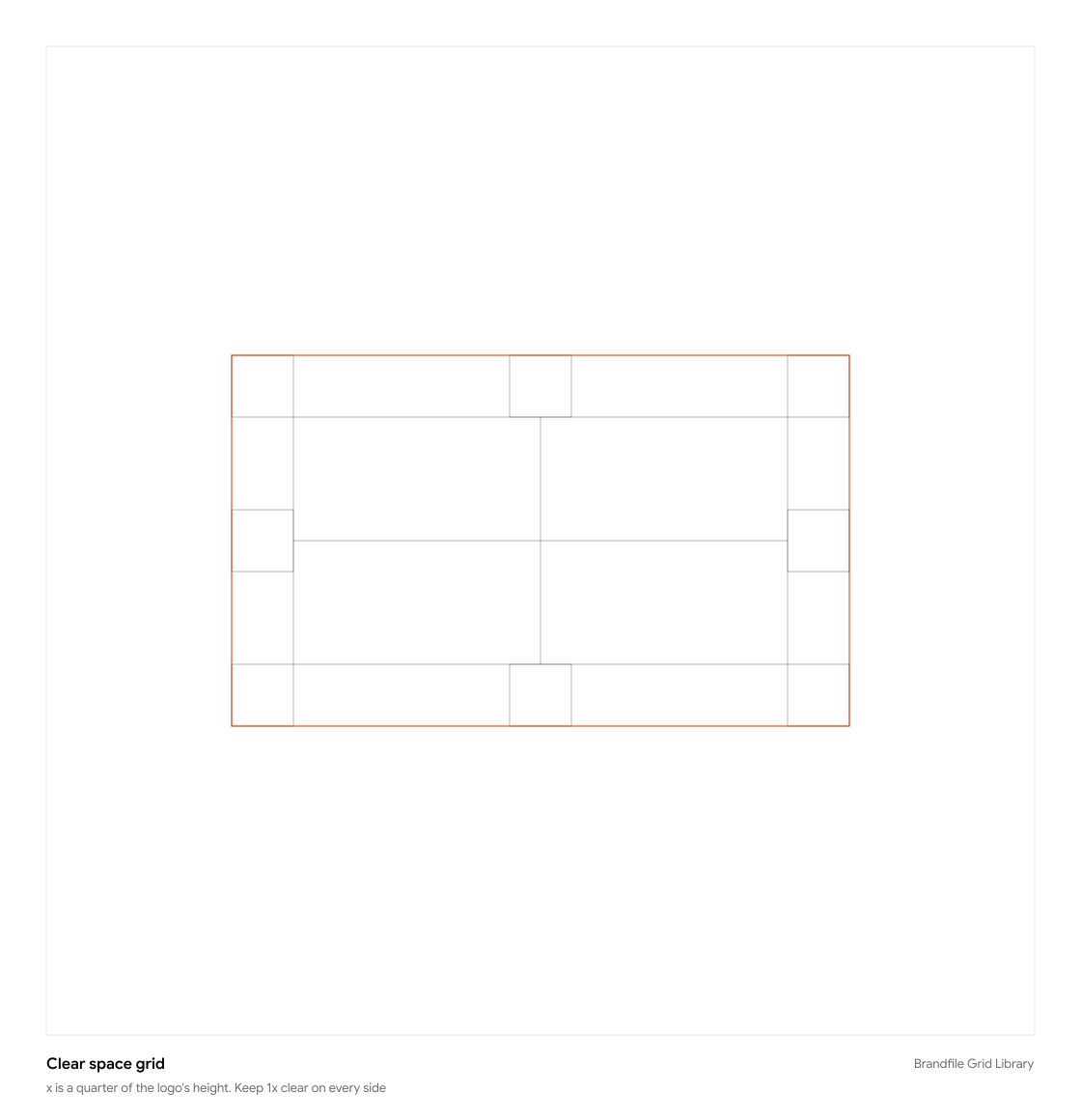
- Draw a clear space box 1x outside the lockup.
When not to use it
Break the name where it reads naturally. A split in the middle of a word confuses people.
What's in the file
One SVG, 1536 by 856, with four named layers, so you can lock the grid and draw above it:
- Frame: the edge of the grid.
- Construction: the grid lines, in warm grey.
- Accents: the lines and points that matter most, in coral.
- Labels: the name and a short note, as outlines. Hide it while you draw.
Get all 54 grids
The whole Grid Library in one ZIP: every grid in 8 numbered folders, with a README that names each one. We email it to you, free.
Do it on your own logo
Brandfile measures your logo's clear space in x units, from its height or from one part of it, and puts the rule in the brand book and the logo package. See Grids.