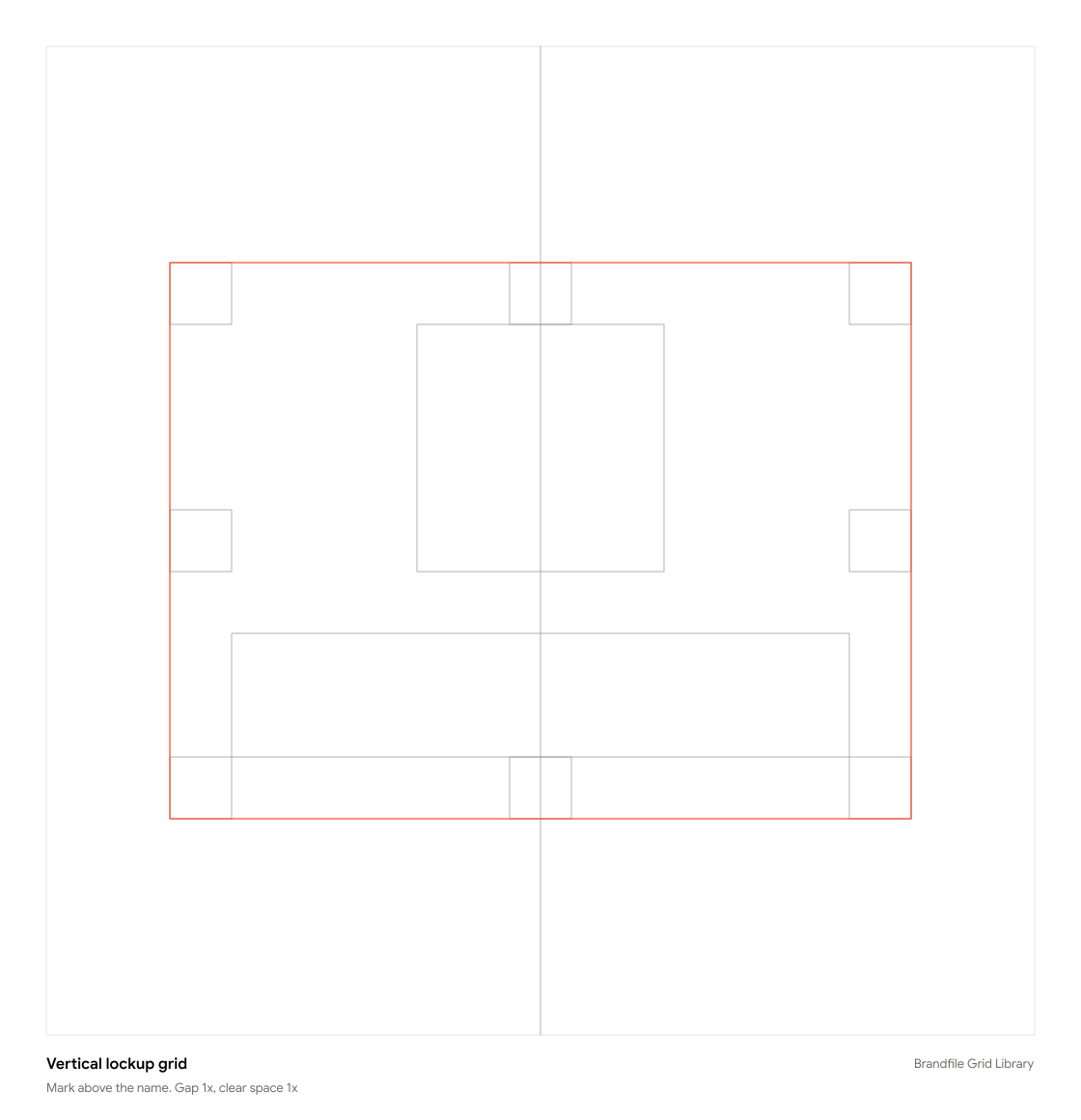
Vertical lockup grid
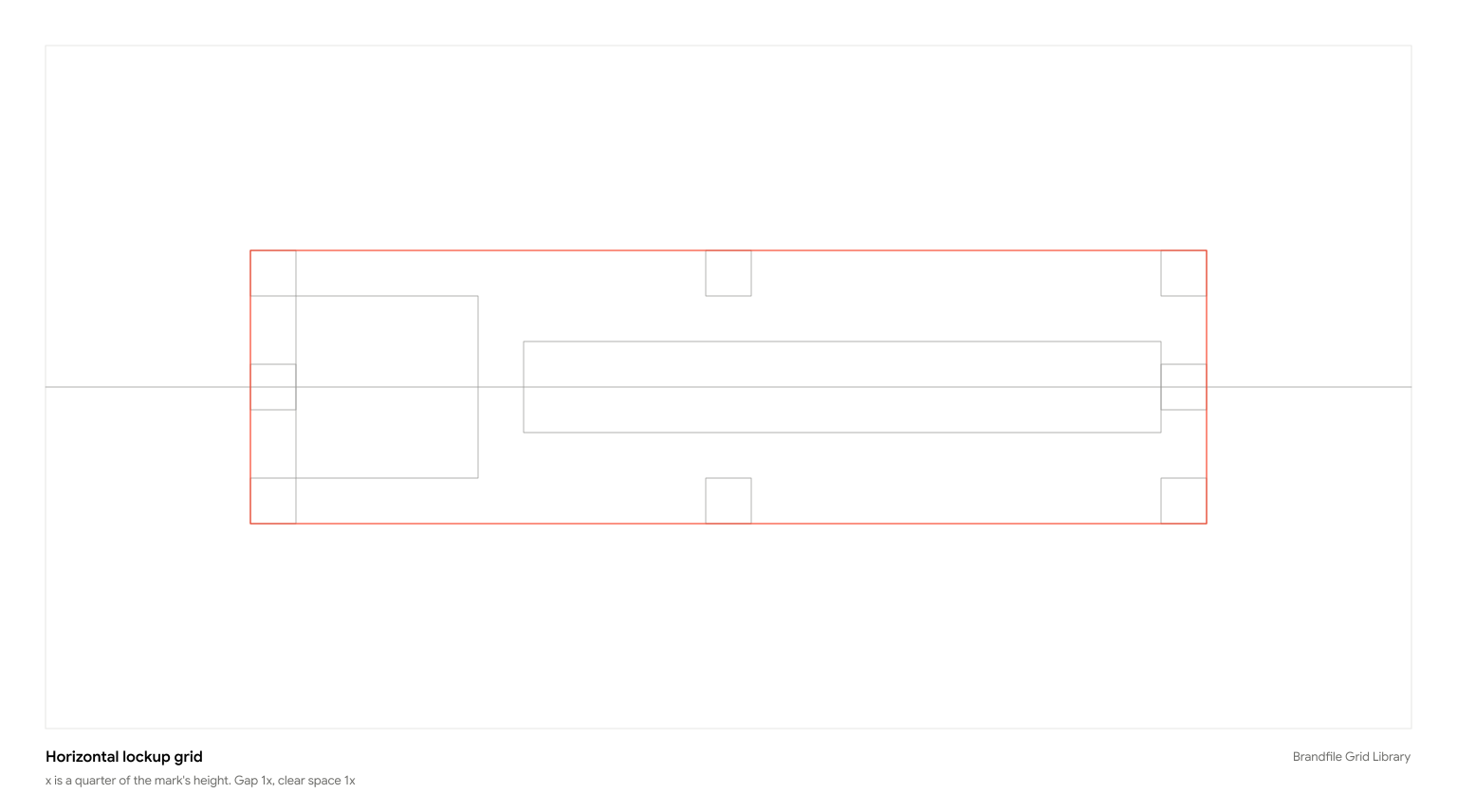
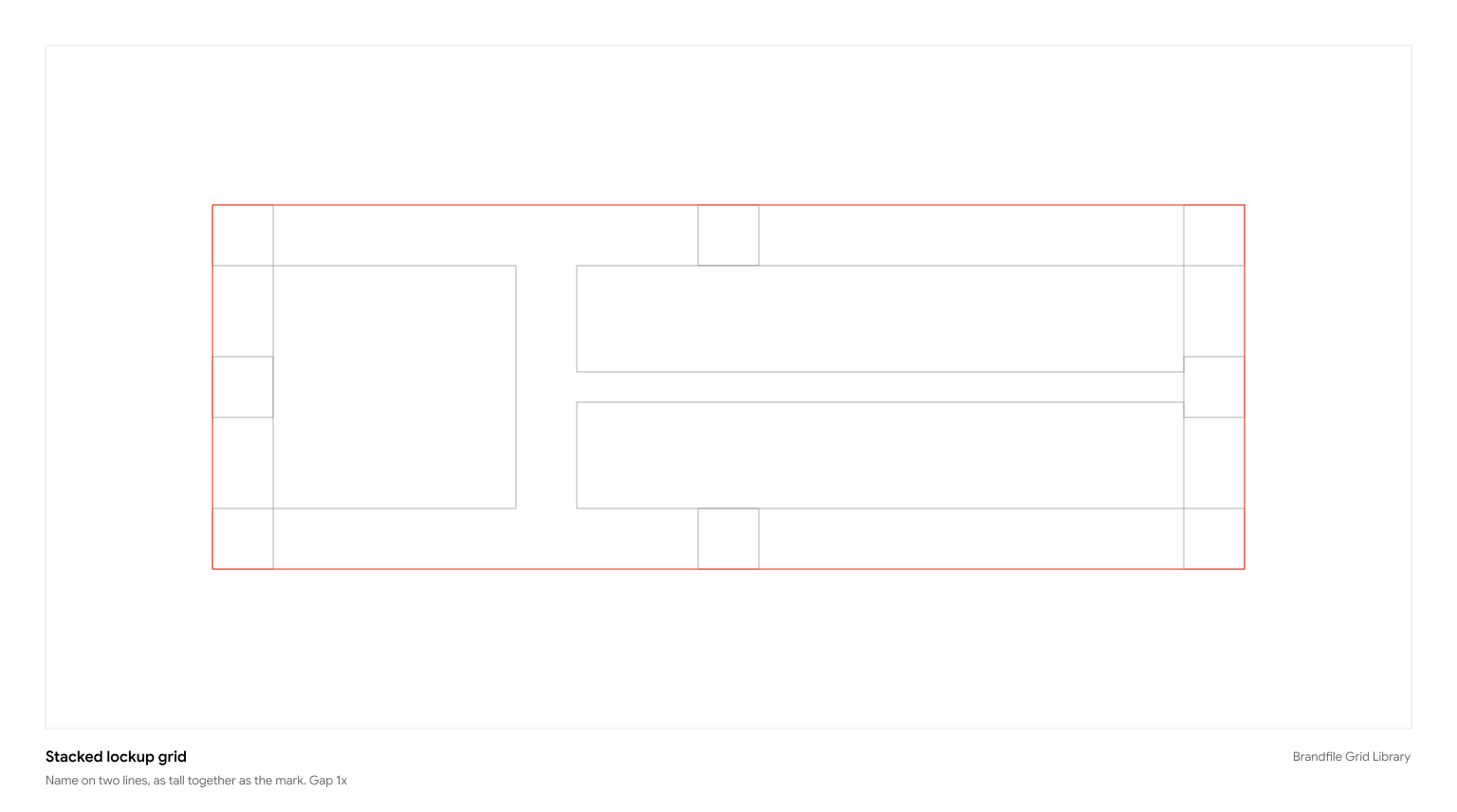
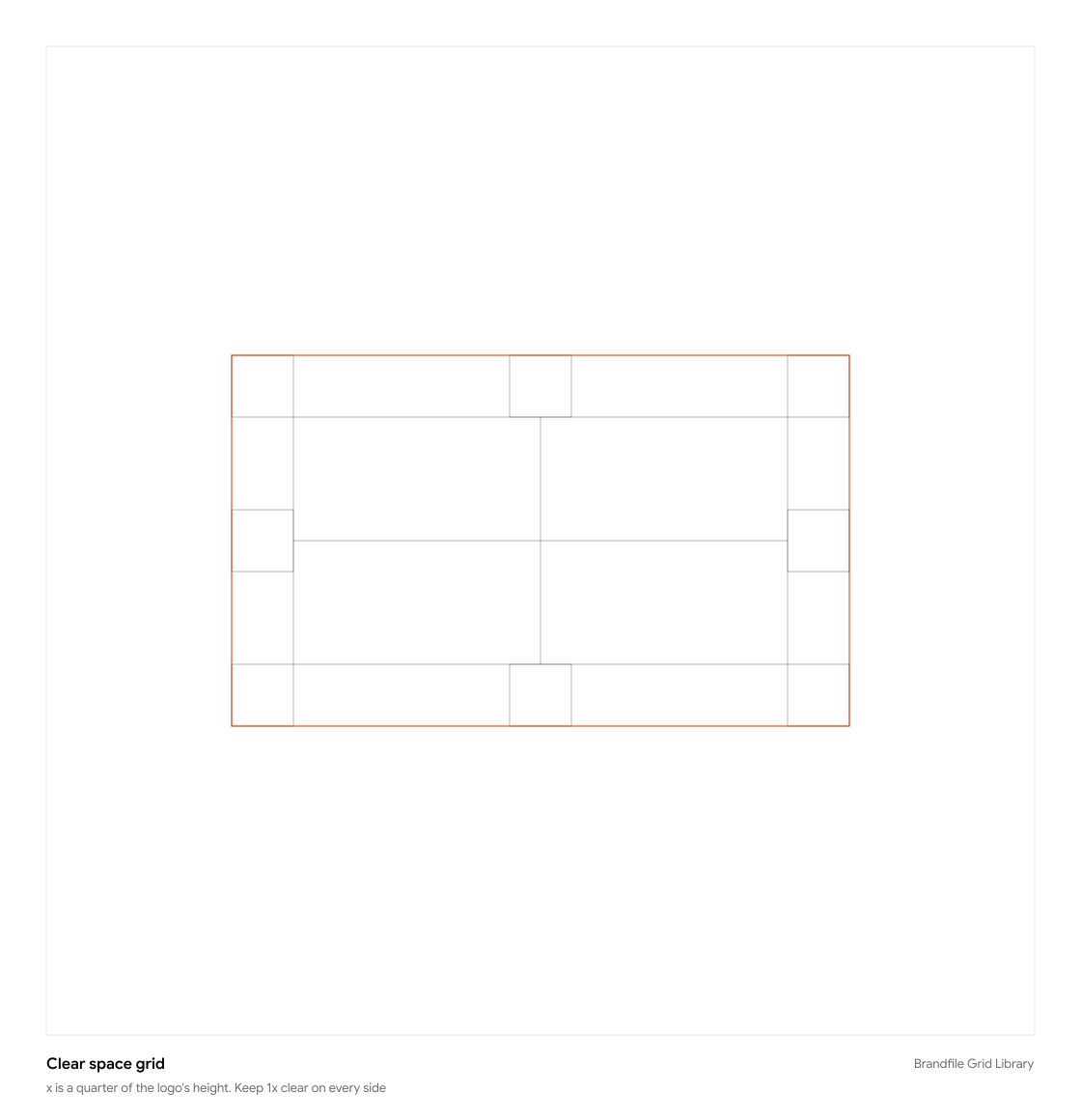
A vertical lockup puts the mark above the name, centred on one line. The gap is 1x and the clear space 1x, where x is a quarter of the mark's height.
Free for personal and client work. Opens in Illustrator, Affinity, Figma and Inkscape.
What it's for
- Square spaces like social posts and badges
- Packaging and covers
- Stacked layouts on narrow screens
How to draw it
- Take a quarter of the mark's height as x.
- Centre the name below the mark.
- Leave a gap of 1x between them.
- Draw a clear space box 1x outside the lockup.
- Check that the mark and the name look centred on one line.
When not to use it
A long name under a small mark looks top-heavy. Use the stacked lockup instead.
What's in the file
One SVG, 1120 by 1160, with four named layers, so you can lock the grid and draw above it:
- Frame: the edge of the grid.
- Construction: the grid lines, in warm grey.
- Accents: the lines and points that matter most, in coral.
- Labels: the name and a short note, as outlines. Hide it while you draw.
Get all 54 grids
The whole Grid Library in one ZIP: every grid in 8 numbered folders, with a README that names each one. We email it to you, free.
Do it on your own logo
Brandfile measures your logo's clear space in x units, from its height or from one part of it, and puts the rule in the brand book and the logo package. See Grids.