Logo clear space, measured for you.
Reading the sample logo
Drop your logo SVG and get its clear space drawn around it, measured in x units: as a share of the logo's height, or from one part of the logo, like the height of a letter. Download the sheet as SVG, free.
How it works
Brandfile measures your logo from its real shapes, then draws the clear space as a box x away from the logo on every side. In part mode, pick a part and the sheet marks it with its number, so you can see what x was measured from. The rule is written under the sheet, ready for the brand guide.
The full construction sheet, with circles, edge lines and guides, is in Grids.
Worked example
For a logo 200 px tall with x set to 25% of the height, x is 50 px. Keep 50 px clear above, below and on both sides. At 400 px tall, x becomes 100 px: the rule stays the same, the space grows with the logo.
Questions
- What is clear space?
- The empty area around a logo that nothing else may enter: no text, no edges, no other logos. It keeps the logo readable and makes it look intended wherever it sits.
- How big should it be?
- Most brands use somewhere between a quarter and a half of the logo's height. A busy logo needs more room. Many designers measure it from a part of the logo, like the height of the first letter, so the rule scales with the logo.
- What does x mean?
- x is the unit the rule is measured in. Saying clear space is 1x, where x is the height of the b, means the space grows and shrinks with the logo, so one rule works at every size.
Clear space in the brand book
In Brandfile, the clear space you set is drawn on the construction sheet and printed in the brand book, next to the logo's colours and fonts. Read what files to give a client for the rest of the handoff.
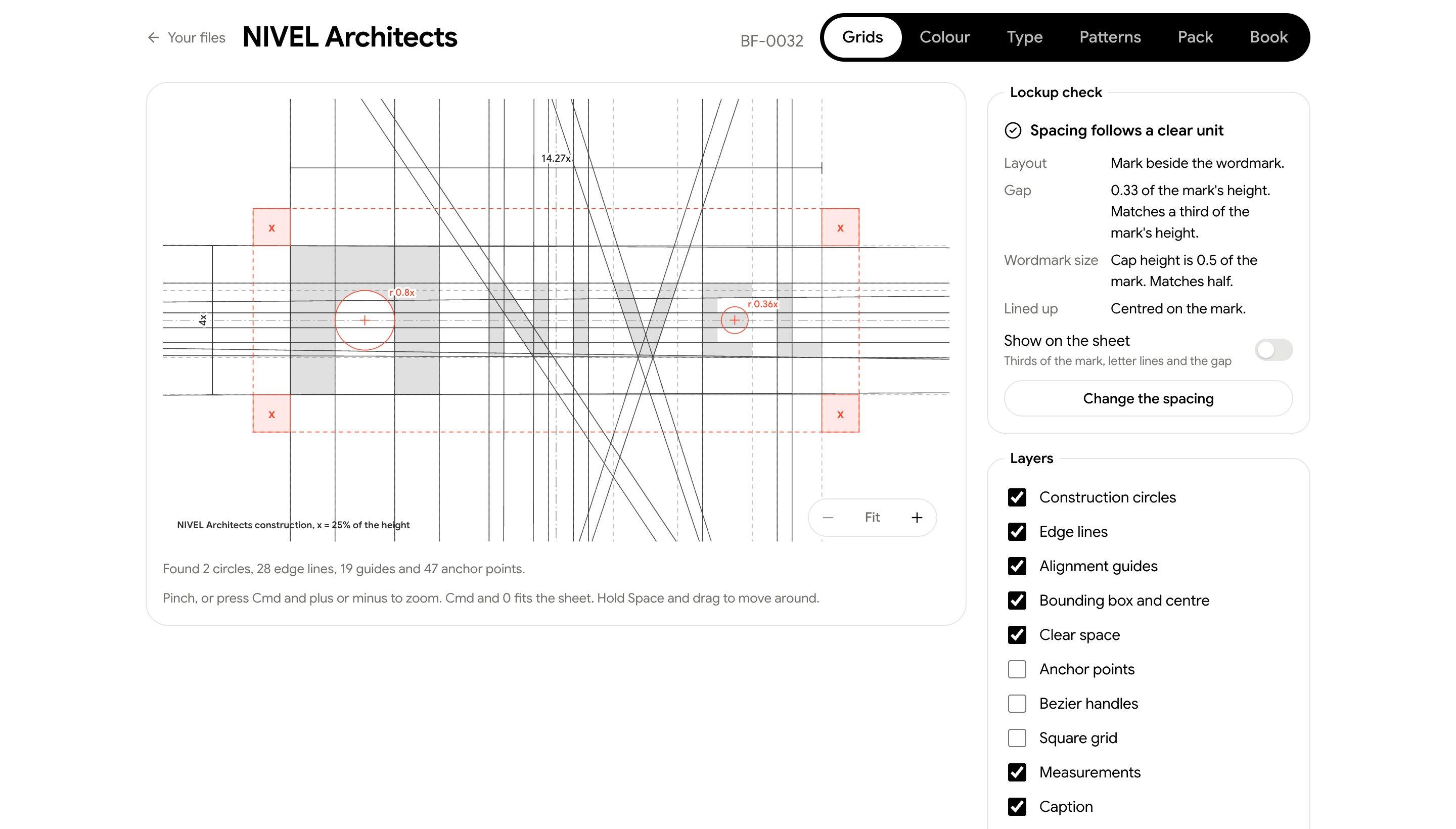
- Circles, edge lines and clear space, measured from the real curves
- The lockup check: gap, wordmark size and alignment
- Each layer of the sheet on or off