Dot grid
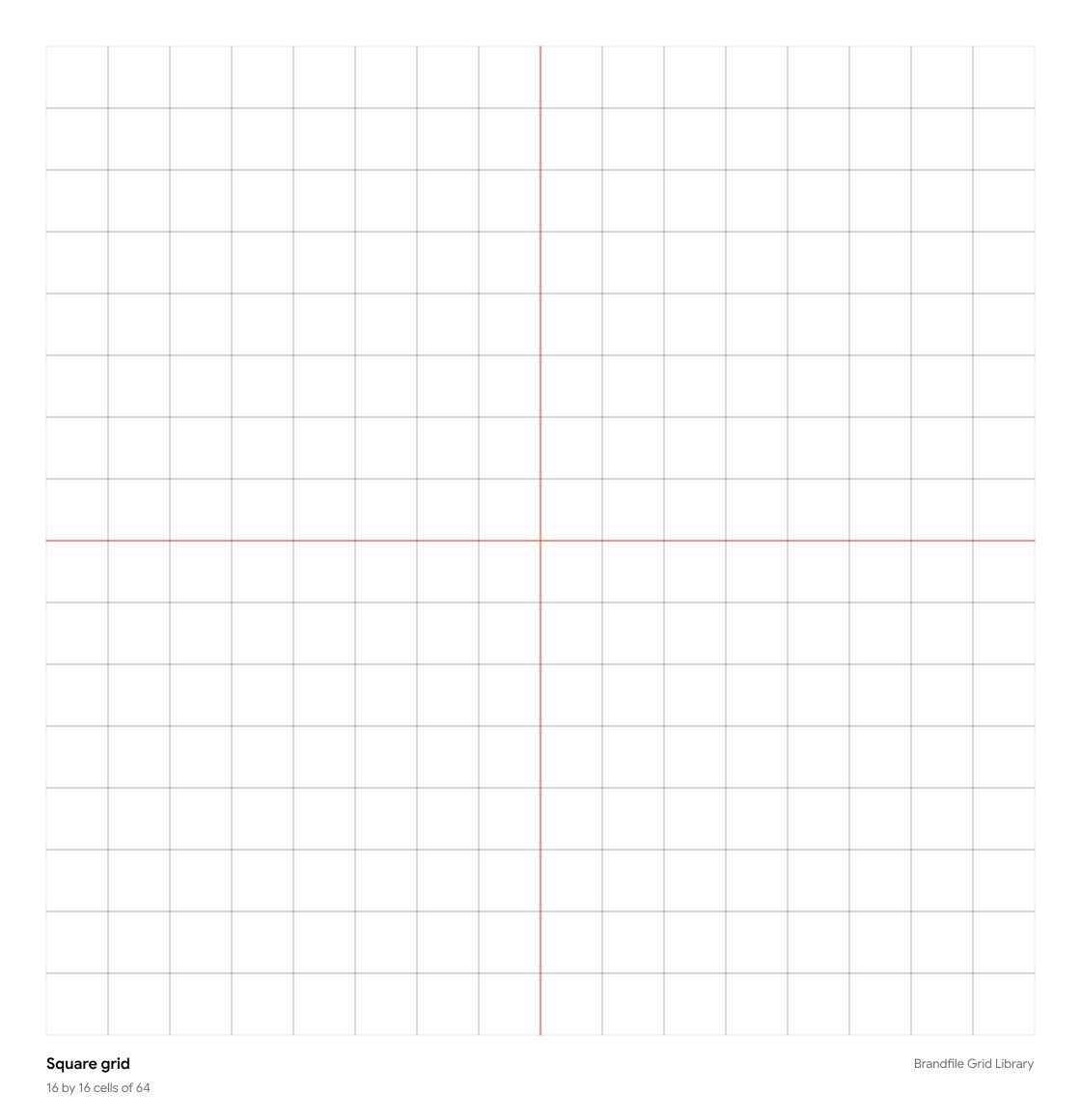
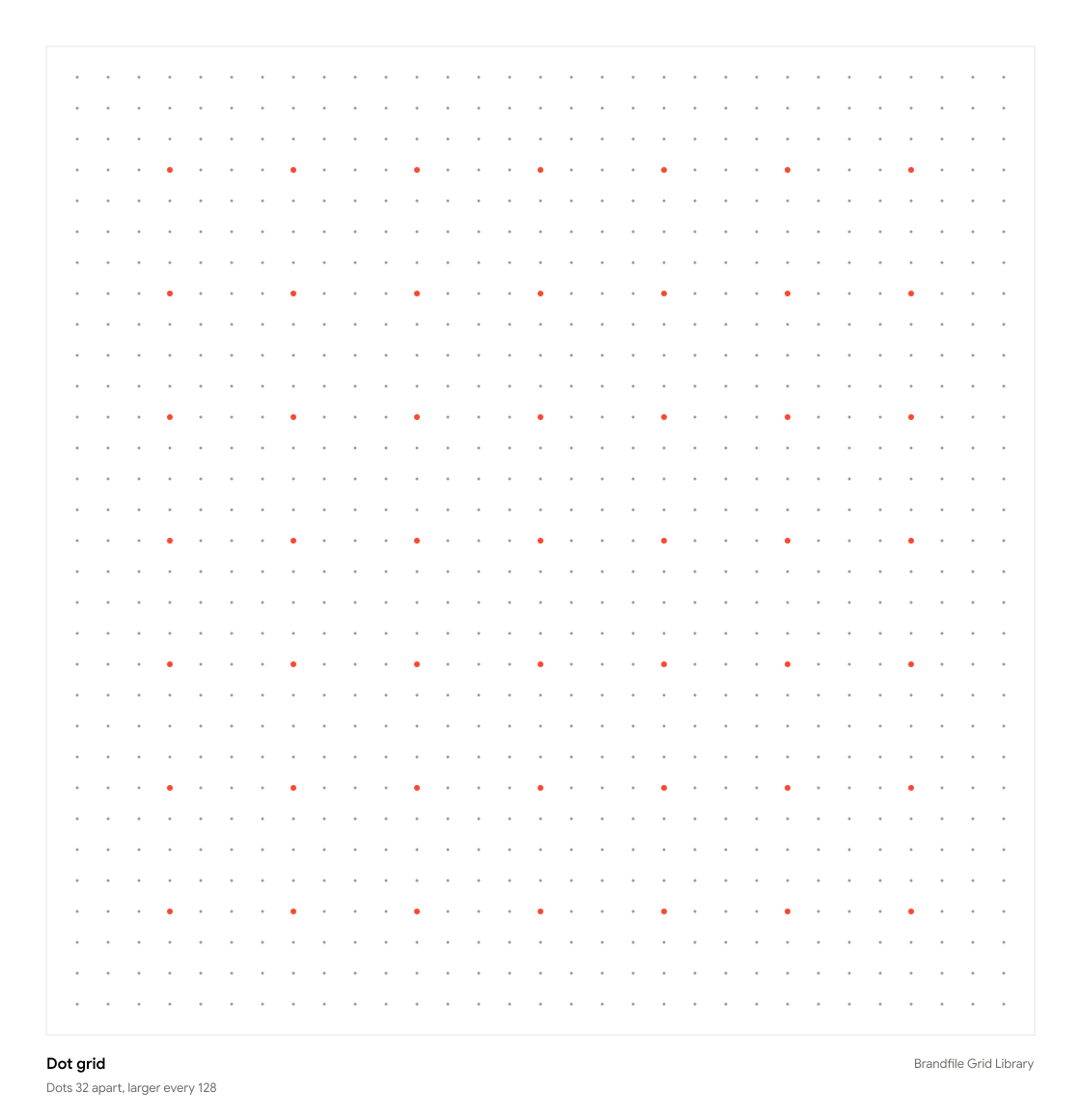
A dot grid marks the same points as a square grid, with dots instead of lines. It keeps your drawing light while still giving you structure.
Free for personal and client work. Opens in Illustrator, Affinity, Figma and Inkscape.
What it's for
- Sketching marks and icons without heavy lines
- Pixel and stroke icons
- Hand lettering that still needs rhythm
How to draw it
- Pick a spacing, here 32.
- Place a dot at every crossing of that spacing.
- Make every fourth dot bigger, so you can count units quickly.
- Draw from dot to dot.
- Move to a line grid once the idea is set and you need precision.
When not to use it
A dot grid is for sketching. For the final construction, use a square grid with real lines.
What's in the file
One SVG, 1120 by 1160, with four named layers, so you can lock the grid and draw above it:
- Frame: the edge of the grid.
- Construction: the grid lines, in warm grey.
- Accents: the lines and points that matter most, in coral.
- Labels: the name and a short note, as outlines. Hide it while you draw.
Get all 54 grids
The whole Grid Library in one ZIP: every grid in 8 numbered folders, with a README that names each one. We email it to you, free.
Do it on your own logo
Brandfile's Grids step reads your logo SVG and draws its real construction: the circles its curves come from, edge lines, golden ratio checks, and square, isometric and hexagon base grids. See Grids.