Golden circles
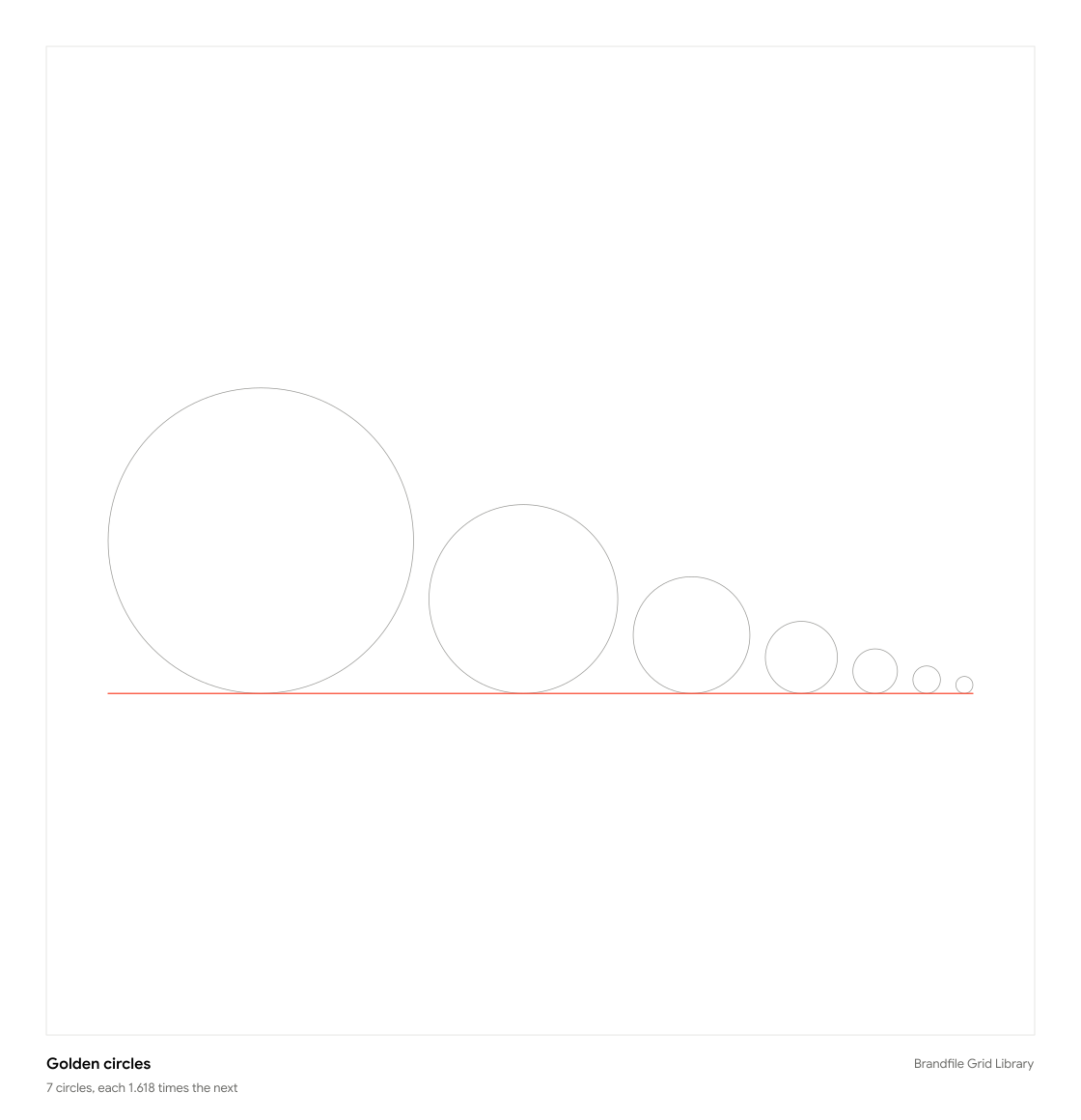
Golden circles are a set of circles where each one is 1.618 times the size of the next. Curves cut from the same set feel related, because their sizes share one ratio.
Free for personal and client work. Opens in Illustrator, Affinity, Figma and Inkscape.
What it's for
- Drawing curves that belong together, like a bird or a leaf
- Rounding corners at related sizes
- Explaining a mark's curves in a case study
How to draw it
- Draw one large circle.
- Divide its width by 1.618 to get the next circle, and repeat five or six times.
- Line the circles up on one baseline so you can compare them.
- Move copies over your sketch and fit each curve to the nearest circle.
- Keep the curves that fit, and adjust the ones that fight the set.
When not to use it
Don't force every curve onto a circle. If a curve looks better a little off, trust your eye.
What's in the file
One SVG, 1120 by 1160, with four named layers, so you can lock the grid and draw above it:
- Frame: the edge of the grid.
- Construction: the grid lines, in warm grey.
- Accents: the lines and points that matter most, in coral.
- Labels: the name and a short note, as outlines. Hide it while you draw.
Get all 54 grids
The whole Grid Library in one ZIP: every grid in 8 numbered folders, with a README that names each one. We email it to you, free.
Do it on your own logo
Brandfile's Grids step reads your logo SVG and draws its real construction: the circles its curves come from, edge lines, golden ratio checks, and square, isometric and hexagon base grids. See Grids.