Golden spiral
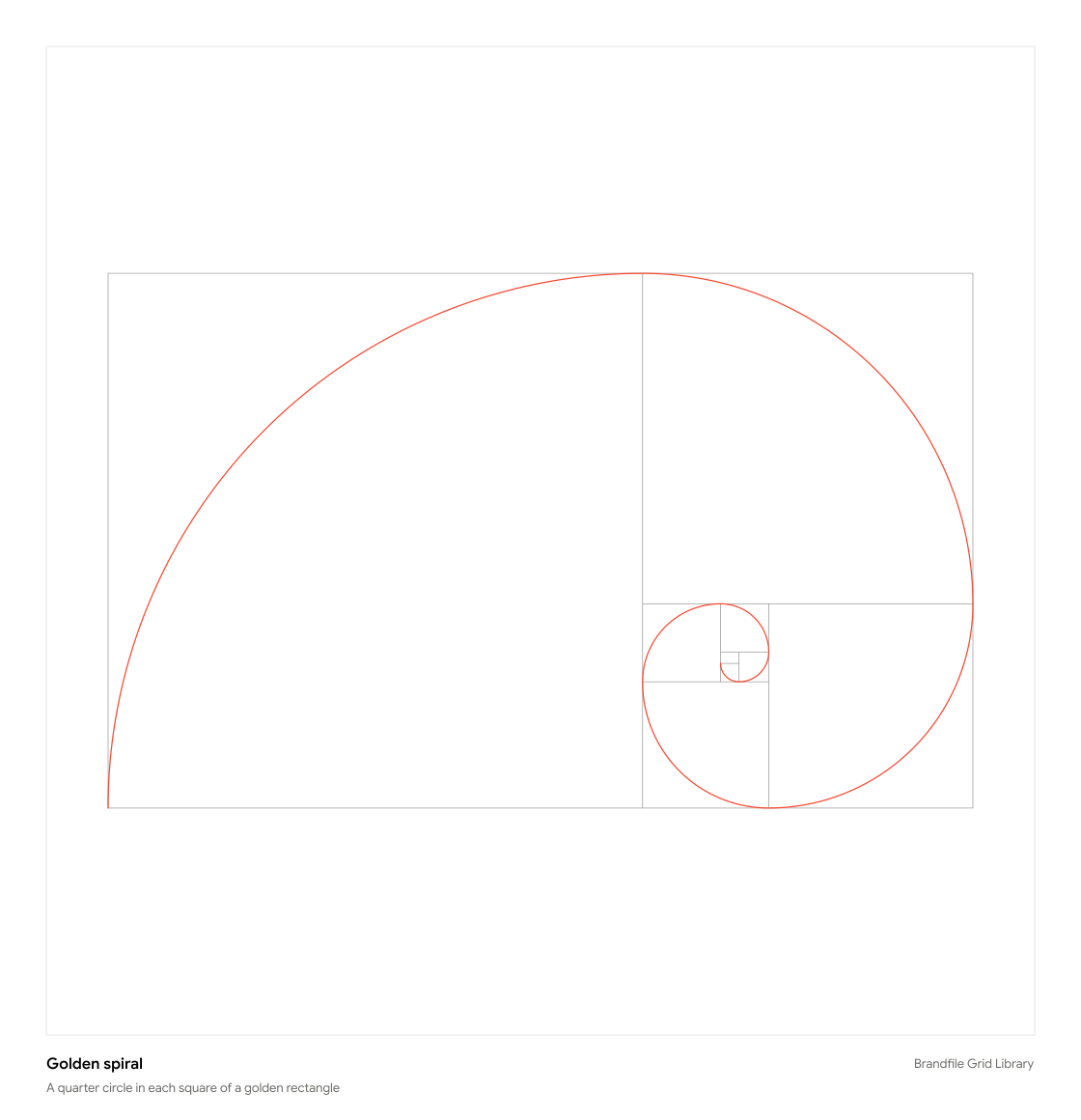
The golden spiral is a quarter circle drawn inside each square of a golden rectangle. Each turn grows by 1.618, which gives a smooth, natural sweep.
Free for personal and client work. Opens in Illustrator, Affinity, Figma and Inkscape.
What it's for
- Sweeping curves in a mark, like a wave or a shell
- Leading the eye through a layout
- A construction visual for a case study
How to draw it
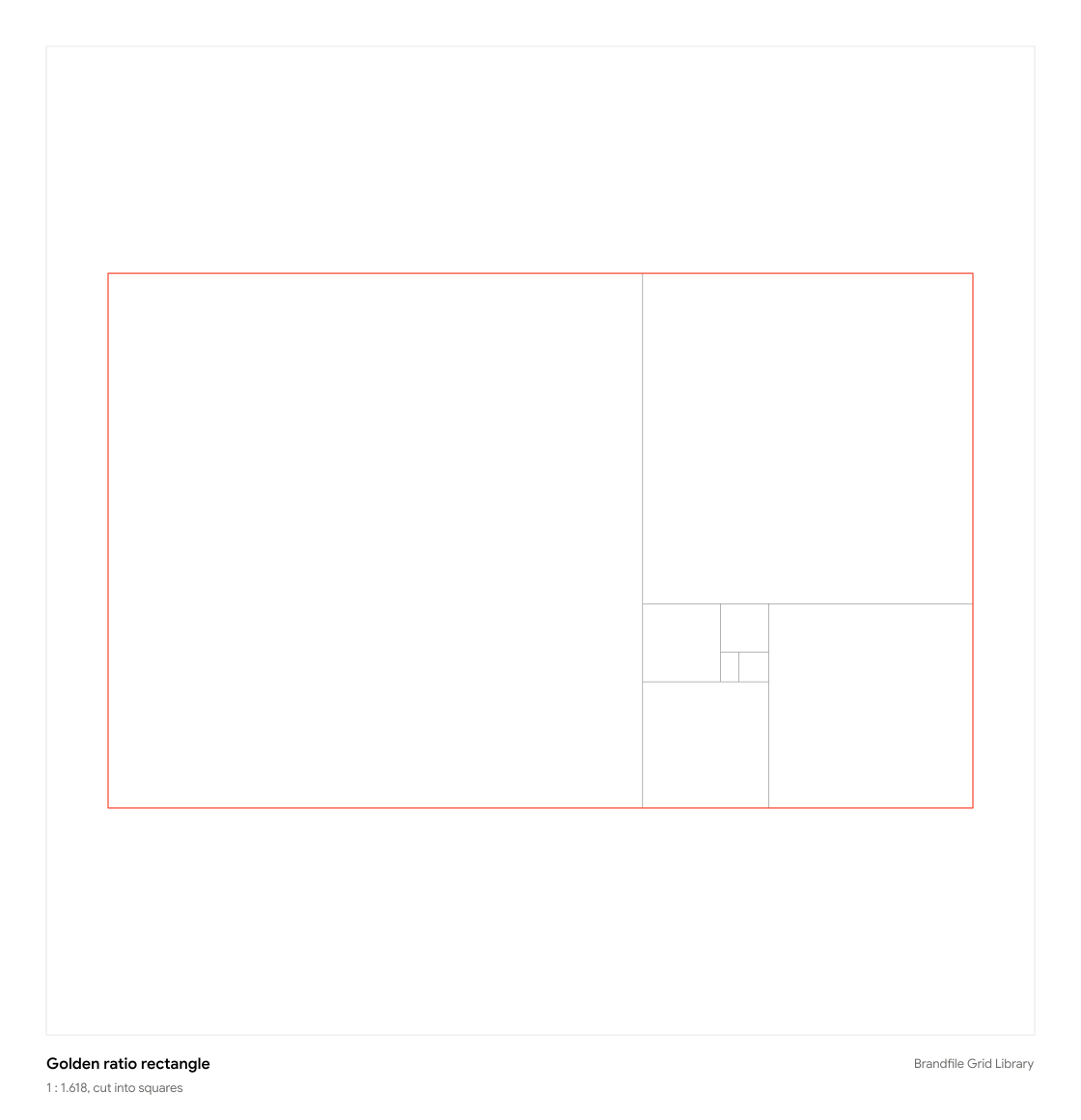
- Draw a golden rectangle and cut it into squares, each one smaller than the last.
- In the largest square, draw a quarter circle from one corner to the opposite one.
- Carry on into the next square, turning the same way.
- Repeat until the squares are too small to see.
- Lay the spiral over your sketch and refine the curve that follows it.
When not to use it
A spiral laid over a finished logo after the fact proves nothing. Use it while you draw.
What's in the file
One SVG, 1120 by 1160, with four named layers, so you can lock the grid and draw above it:
- Frame: the edge of the grid.
- Construction: the grid lines, in warm grey.
- Accents: the lines and points that matter most, in coral.
- Labels: the name and a short note, as outlines. Hide it while you draw.
Get all 54 grids
The whole Grid Library in one ZIP: every grid in 8 numbered folders, with a README that names each one. We email it to you, free.
Do it on your own logo
Brandfile's Grids step reads your logo SVG and draws its real construction: the circles its curves come from, edge lines, golden ratio checks, and square, isometric and hexagon base grids. See Grids.