Minimum size guides
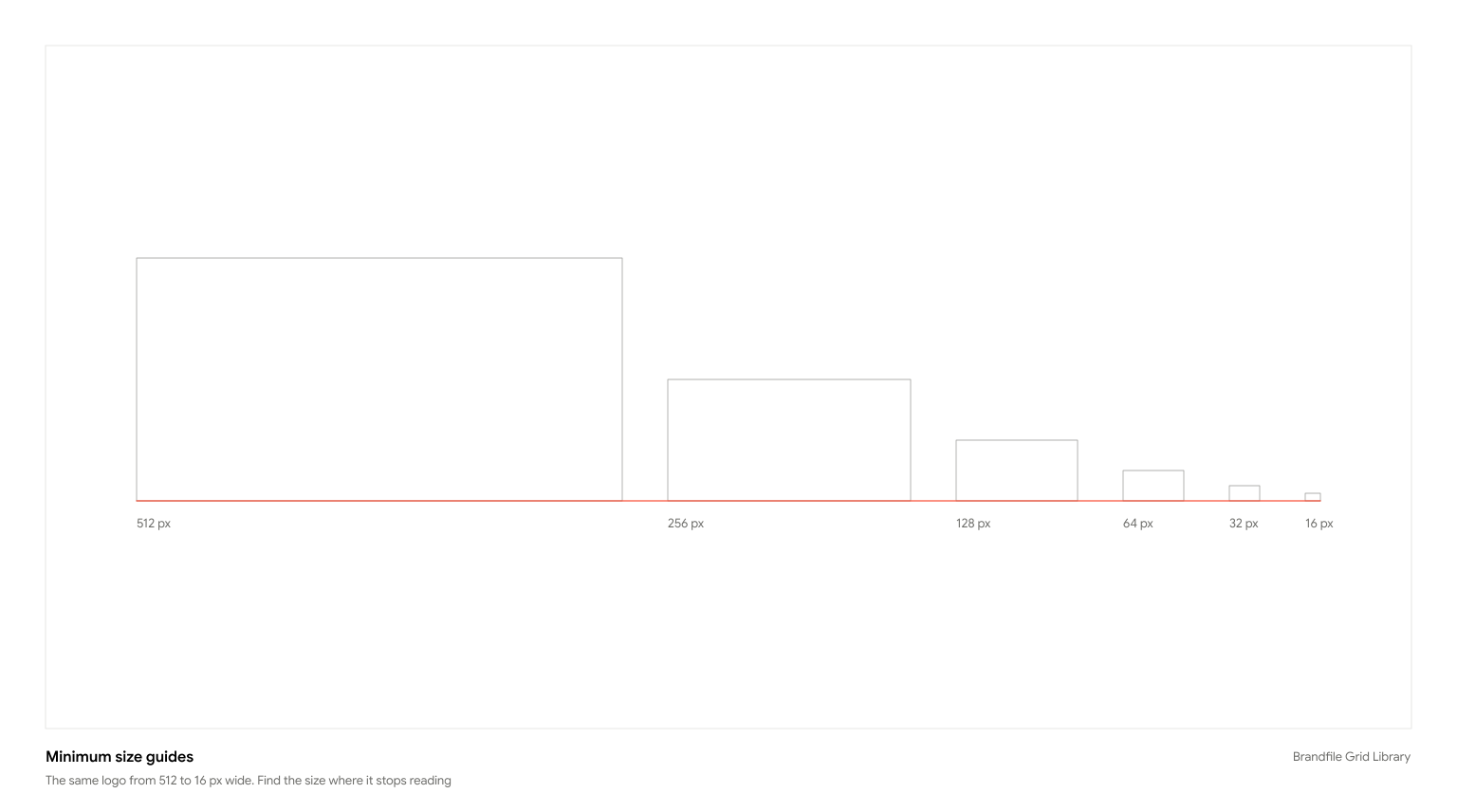
Minimum size guides show the logo at shrinking widths, halving each time from 512 to 16 px. Testing each step shows where the logo stops reading.
Free for personal and client work. Opens in Illustrator, Affinity, Figma and Inkscape.
What it's for
- Setting the smallest size in a brand guide
- Deciding when to switch to the mark on its own
- Checking favicons and small print
How to draw it
- Place the logo in each box, from 512 px down to 16 px.
- Look at each size at 100% on screen.
- Print the page at real size.
- Find the smallest size where every part still reads.
- Write that size, in pixels and millimetres, in the guide.
When not to use it
Don't guess the minimum size. Small type and thin lines fail sooner than you expect.
What's in the file
One SVG, 1536 by 856, with four named layers, so you can lock the grid and draw above it:
- Frame: the edge of the grid.
- Construction: the grid lines, in warm grey.
- Accents: the lines and points that matter most, in coral.
- Labels: the name and a short note, as outlines. Hide it while you draw.
Get all 54 grids
The whole Grid Library in one ZIP: every grid in 8 numbered folders, with a README that names each one. We email it to you, free.
Do it on your own logo
Brandfile measures your logo's clear space in x units, from its height or from one part of it, and puts the rule in the brand book and the logo package. See Grids.